
How to use Treeshy
Short guides with pictures, from your first family tree to the file you print. Each one names the exact buttons you will see.
Looking for a quick answer instead? Read the frequently asked questions.
Get started
The two ways to make your first family tree, and how to bring in a tree you already have.
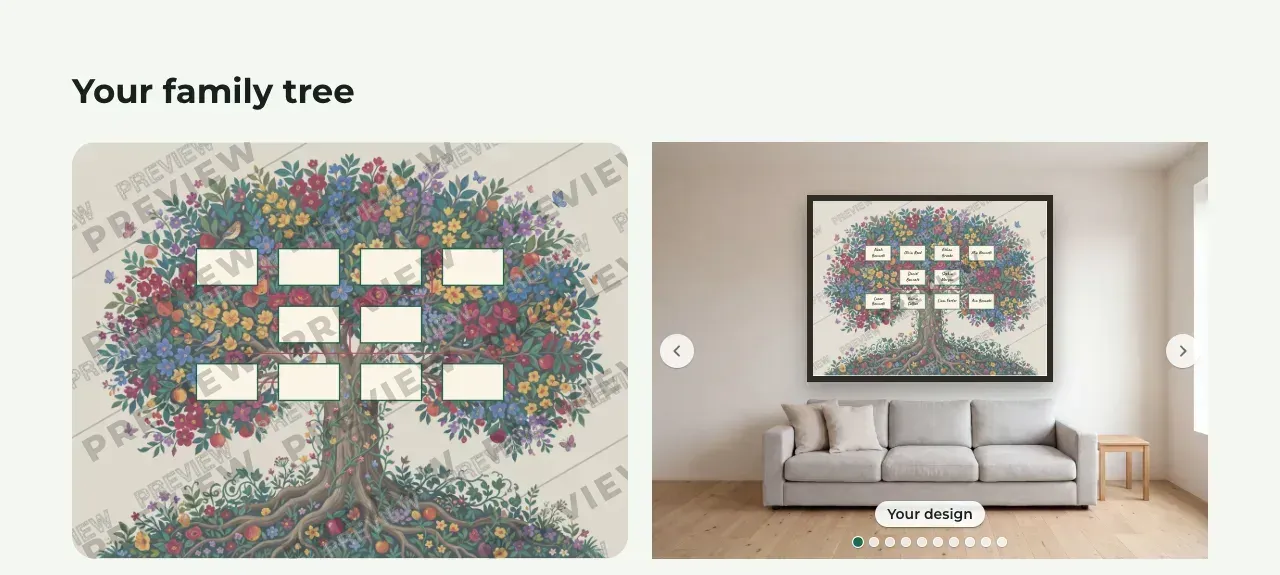 Let Treeshy design your family treeAnswer a few questions about your family and the look you like, and Treeshy designs the tree for you. Then see a free preview before you decide.
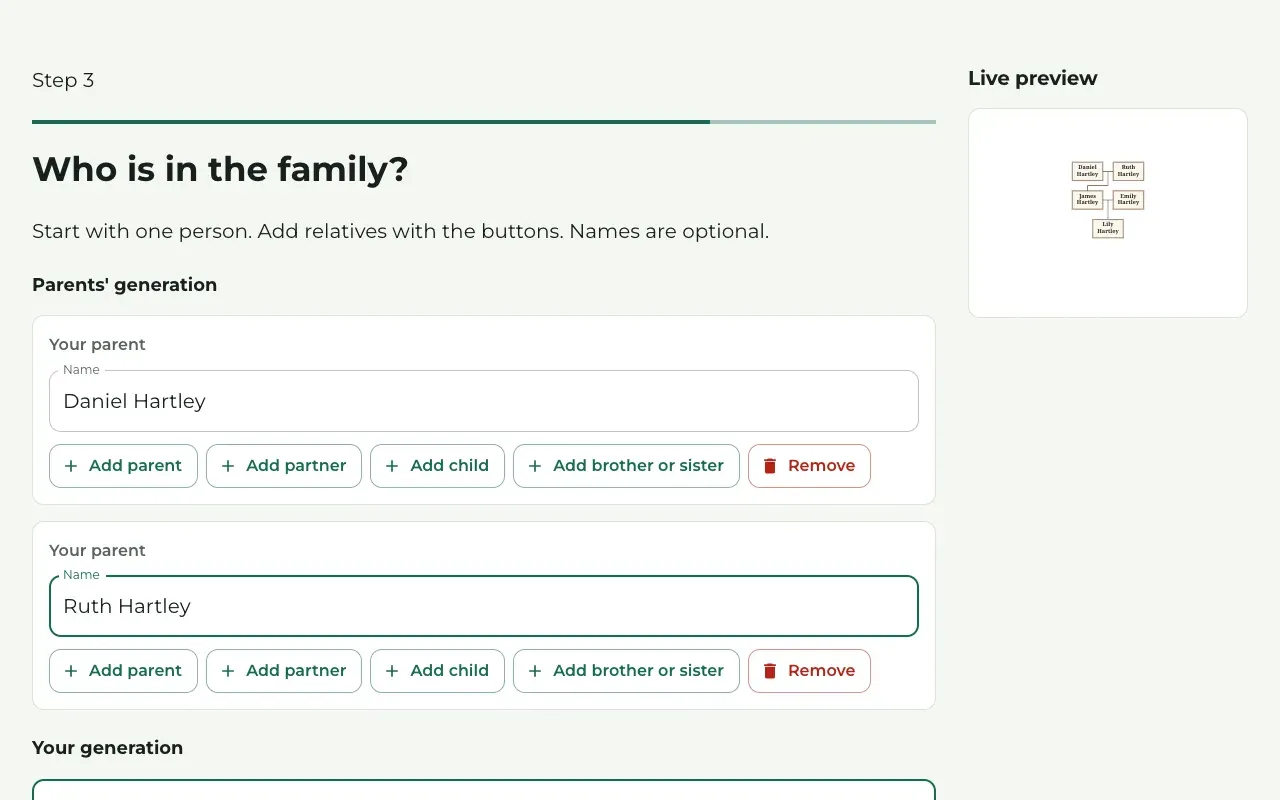 Create your tree with the form and order laterAnswer the form for a free preview, then fix names, change the look and settings in the studio, and buy the file or a plan when you are ready.
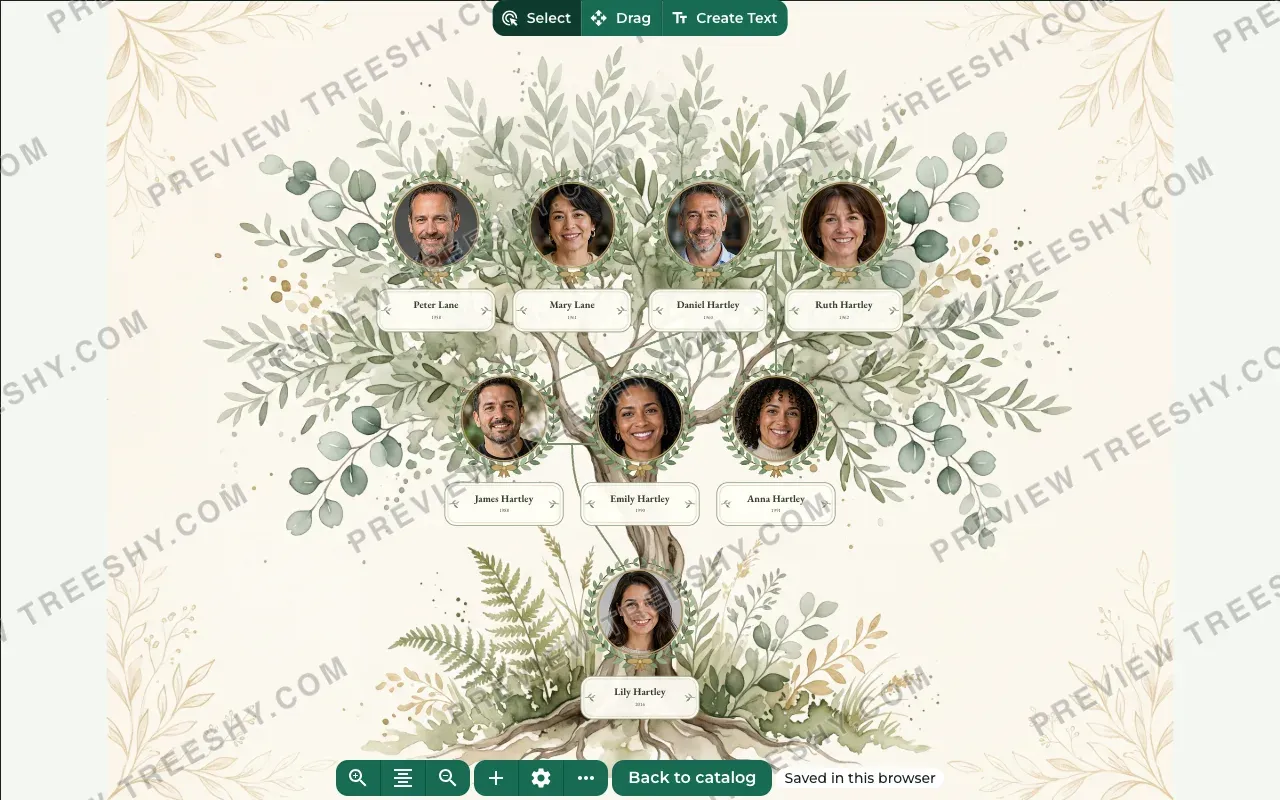
 Make your first family tree in the editorStart from a ready-made tree in the free editor, type the names, add photos, and change the colors and the layout. No account needed.
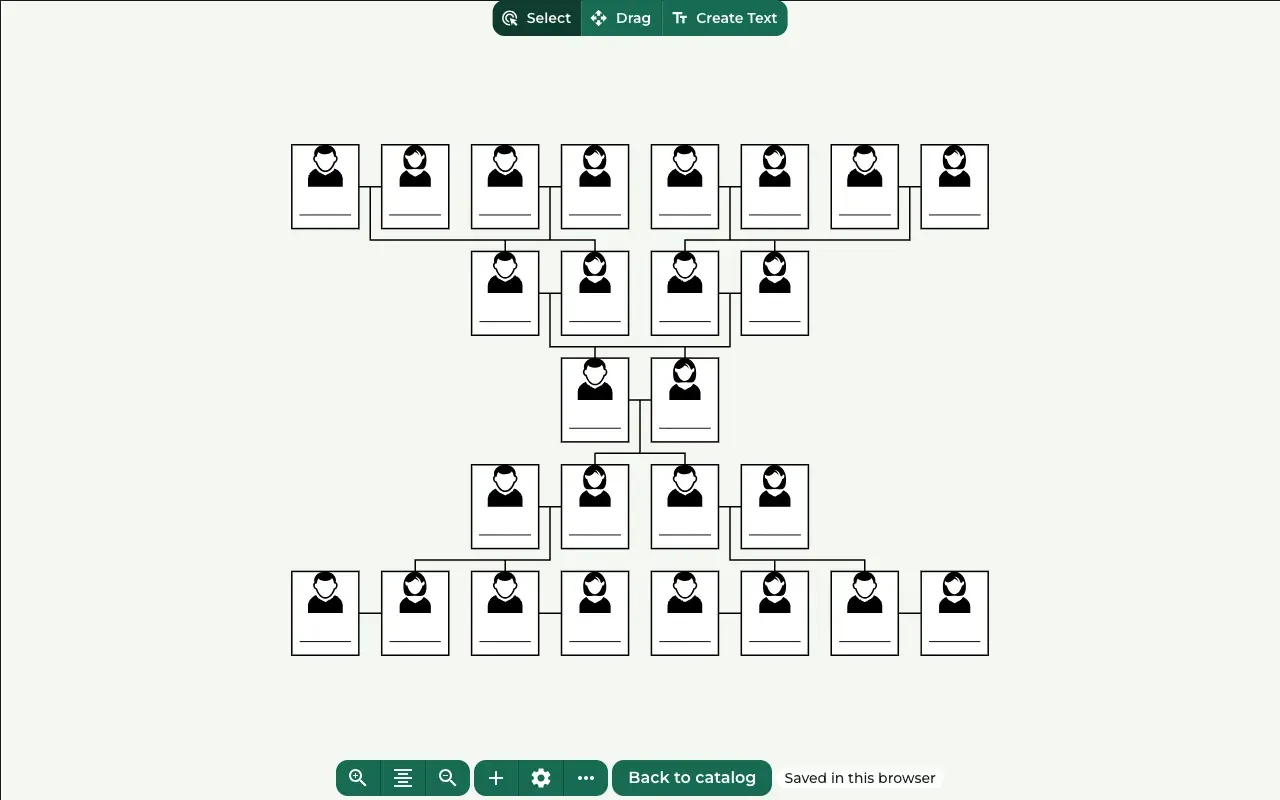
 Make a family tree from scratch, step by stepBuild your family tree person by person in the free editor, from your own name to grandparents and children, then finish it with a template.
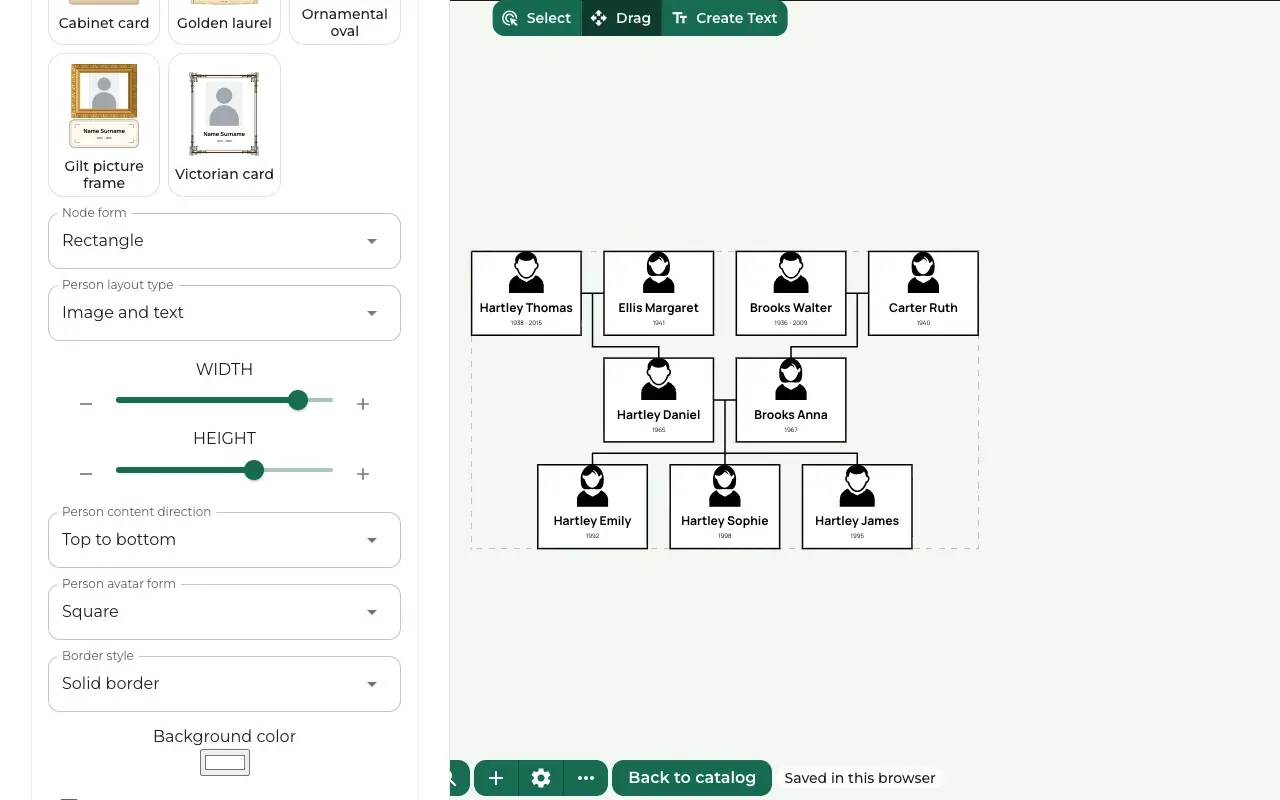 Import a family tree file (GEDCOM)Bring the people from your genealogy program into Treeshy with a .ged file, so you do not have to type every name again.
Editor features
What each part of the editor does, where to find it and how to use it.
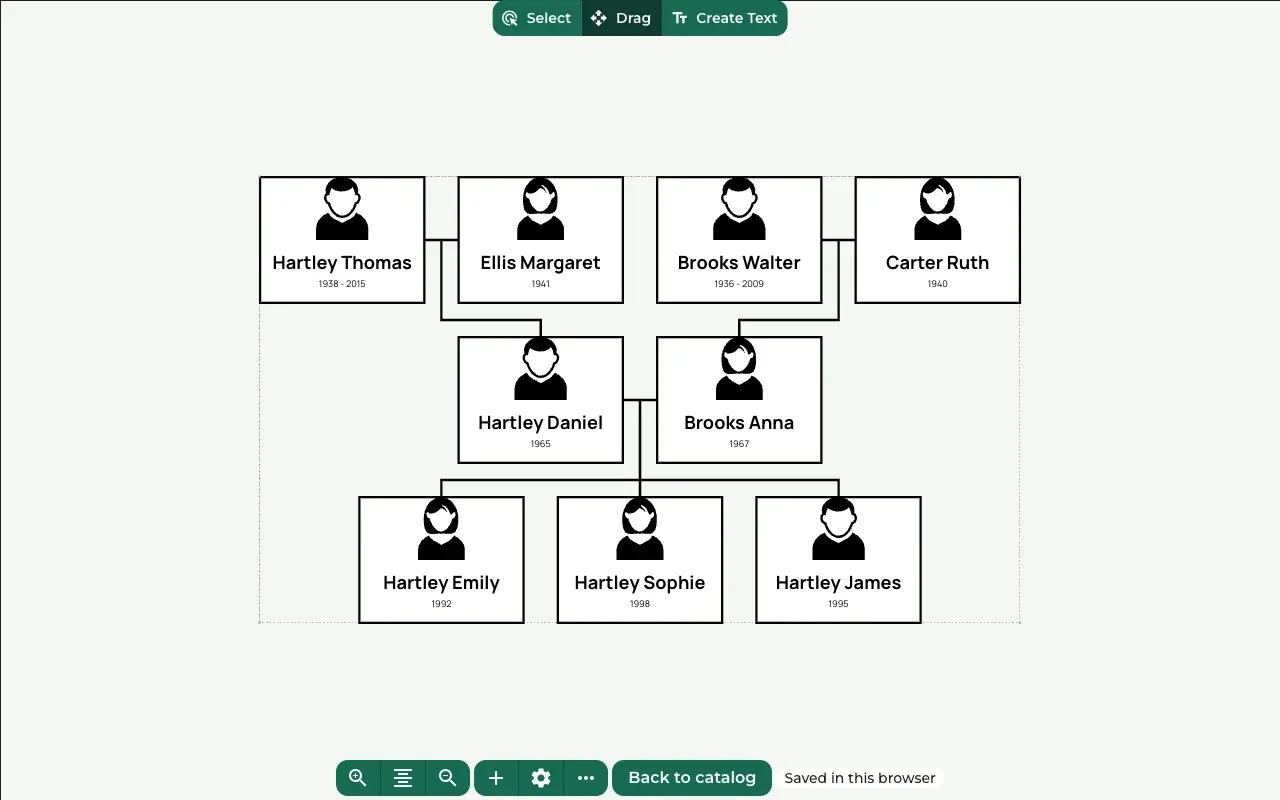 Editor tourFind your way around the editor, the toolbar, the Settings drawer and the Commands list, so you know where each guide's buttons are.
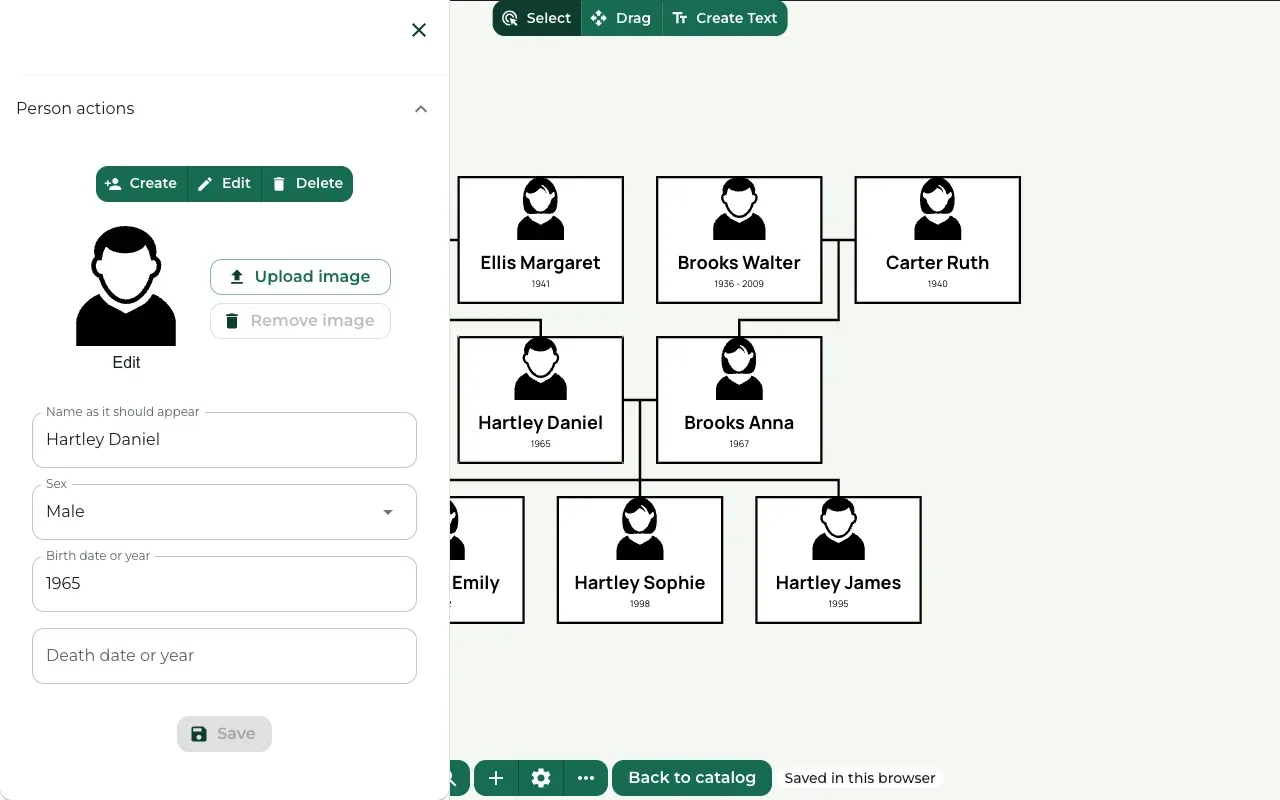 People and photosChange a person's name and dates, add relatives, upload or remove photos, delete a person, and choose what every card shows.
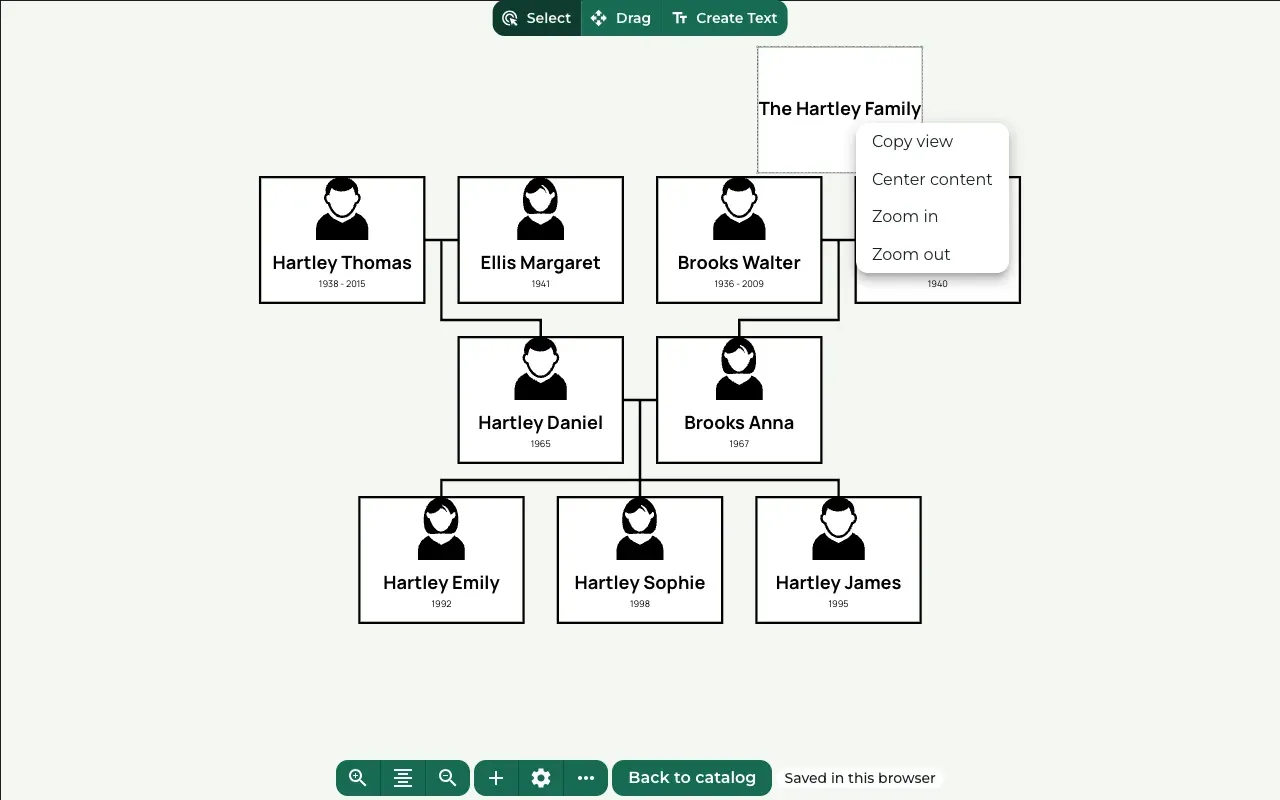 Text and titlesAdd a title or any other words to your design, style them, move them into place, and copy or delete a text box.
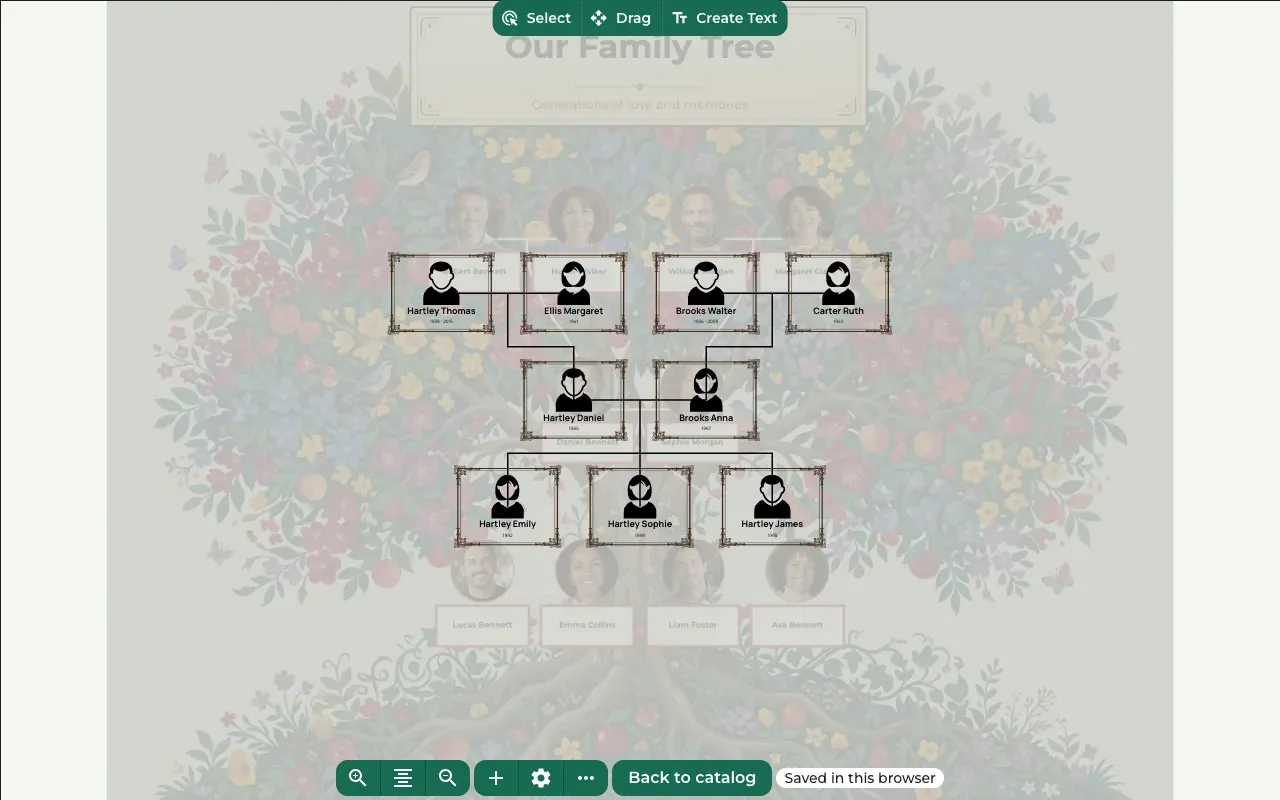 Colors, fonts and framesPick a card style, change the font and the colors, style the lines between people, and put a picture behind your tree.
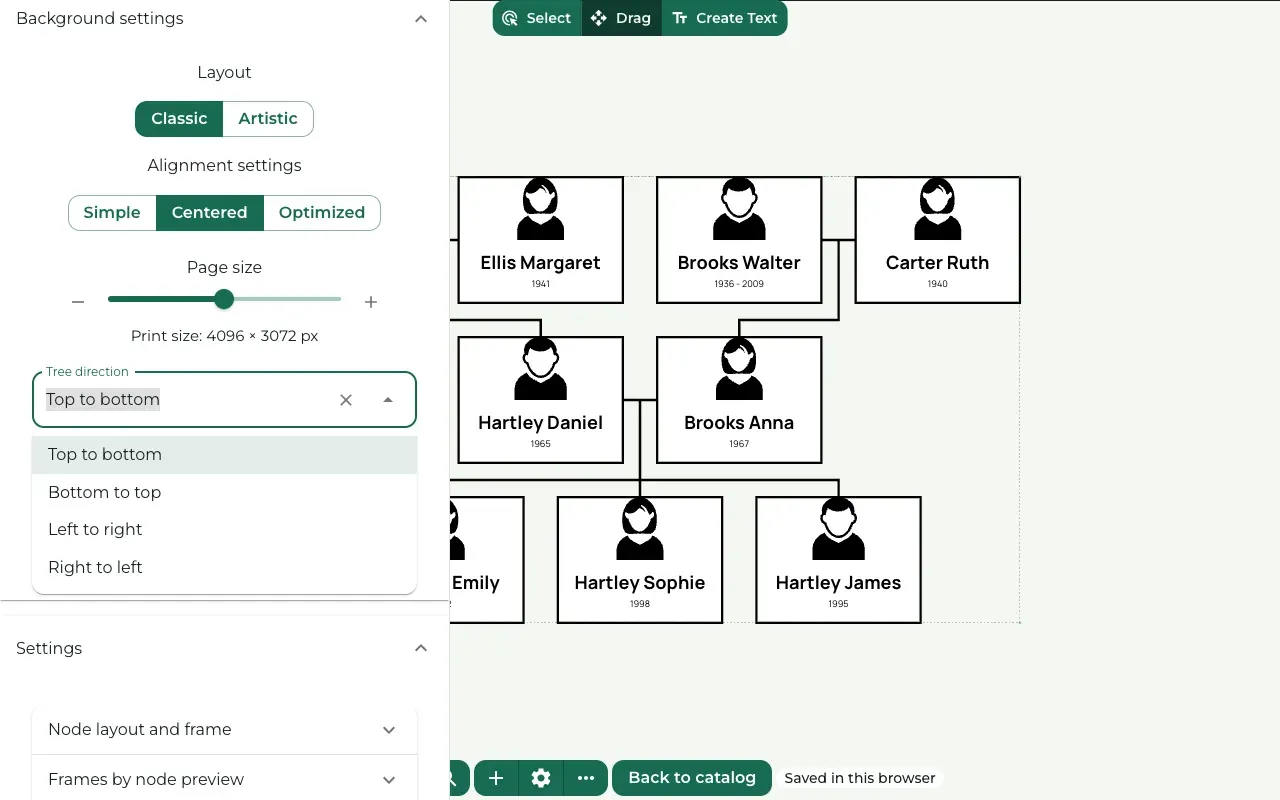 Layout and tree directionArrange the people as a classic chart or on a tree crown, choose which way the tree grows, and set the space between cards.
Your account, projects and plans
Signing in, keeping your projects safe, and paying for a download or a plan.
 Your accountCreate an account, sign in, reset a forgotten password, and find your plan and settings on your Profile.
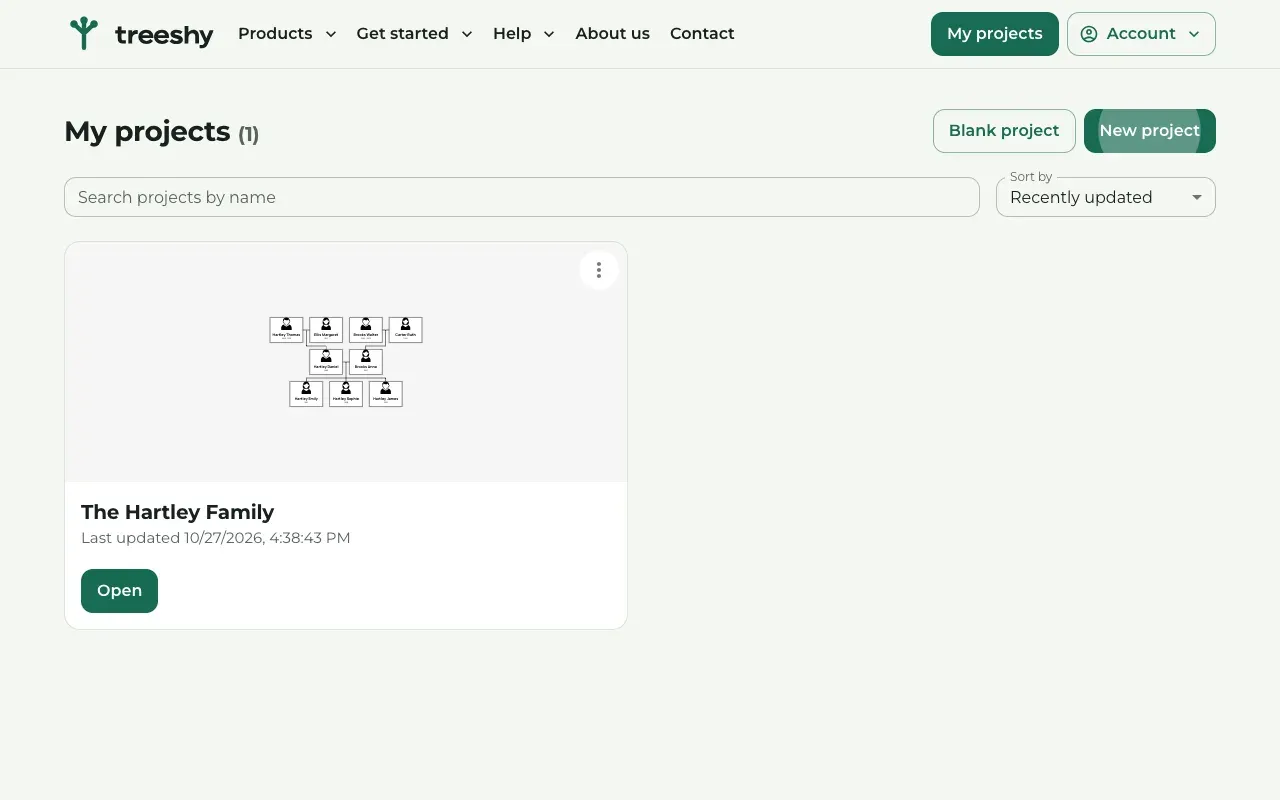 Your projectsCreate, open, rename and delete your family tree projects, let Treeshy design a new one, and know how your work is saved.
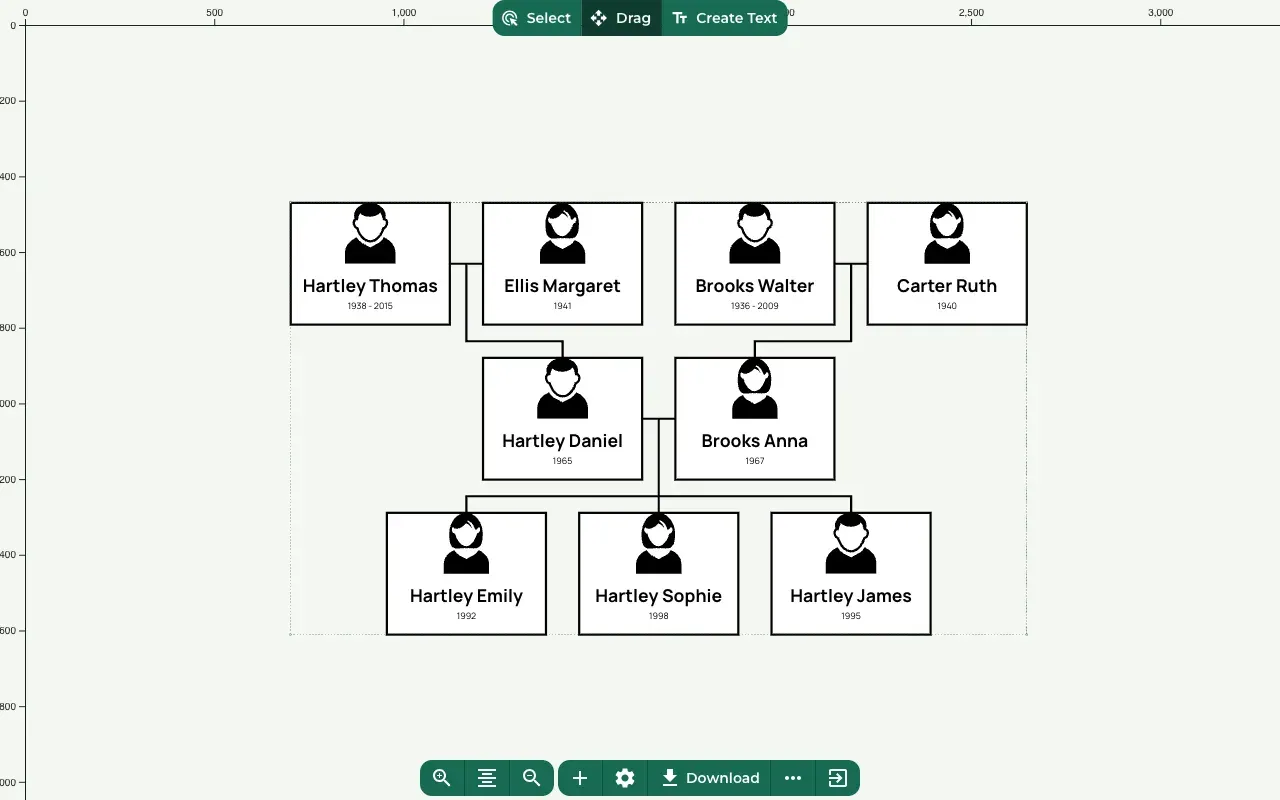 Download and print your designChoose a print size, download a print-ready PDF of your family tree, find your earlier downloads, and get it printed.
 Plans and paymentsThe one-time design file and the subscriptions side by side, and how to pay, use AI credits, manage billing and cancel.