
Download and print your design
Choose a print size, download a print-ready PDF of your family tree, find your earlier downloads, and get it printed.
When your design looks right, Treeshy makes a print-ready PDF of it at the size you choose. This guide is for your own projects. Did you buy one design that Treeshy made for you? Its download link is on the page after payment and in your email.
The free editor has no Download button. To download a tree you made there, choose a plan.
Check the page size
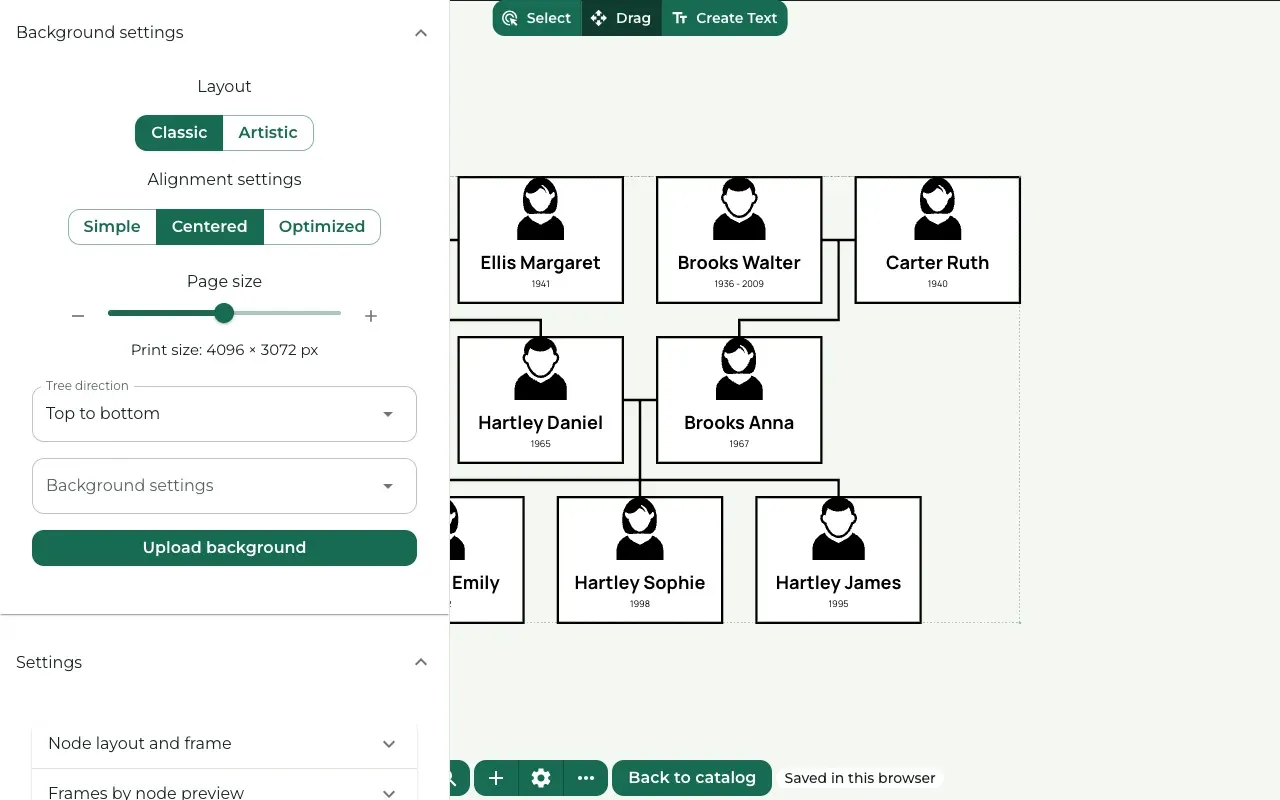
Where to find it: Settings (the gear button) → Background settings → Page size
Page size makes the whole page bigger or smaller. Move the slider, or press its minus and plus buttons. The line under the slider shows the result in pixels, for example Print size: 4096 × 3072 px.
The page size decides how big you can print: a larger page lets Treeshy offer larger print sizes. A background picture you uploaded must be large enough too.
Check every name
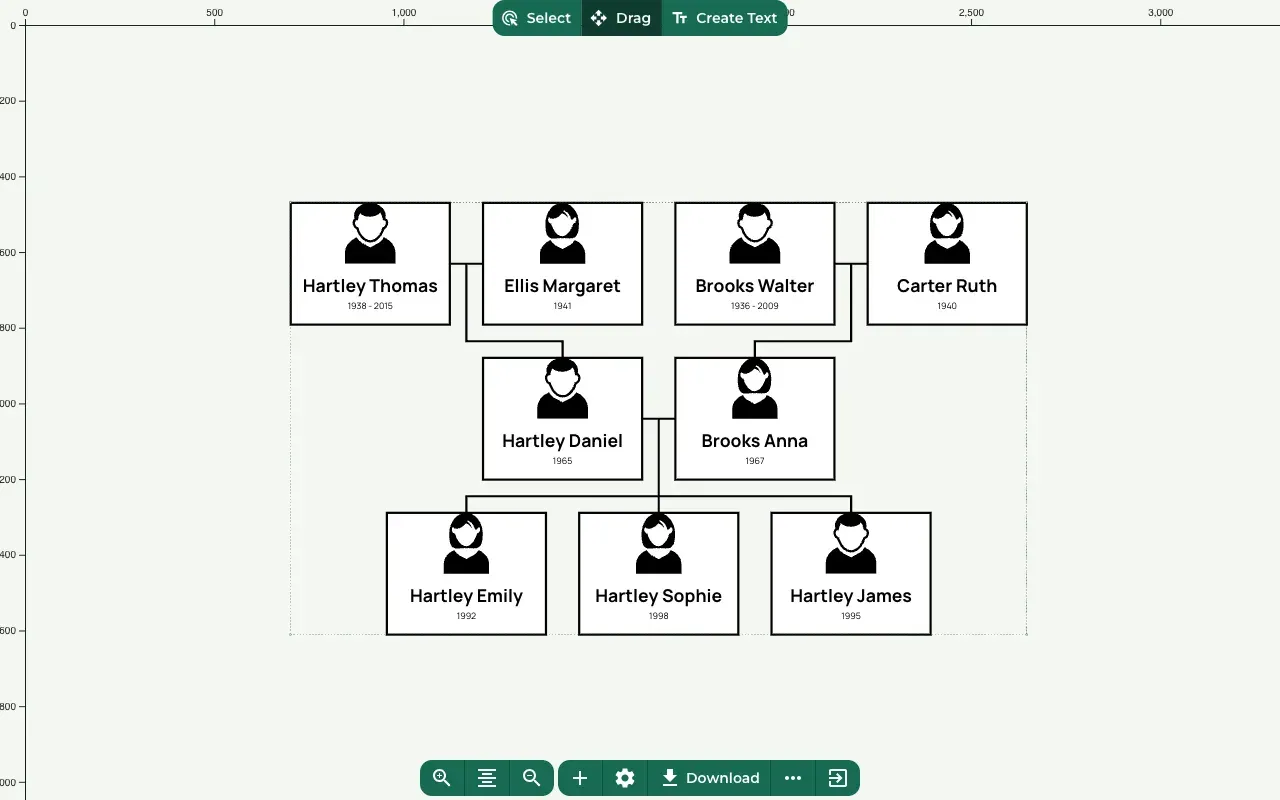
Zoom in and read every name and date once more. A print shows every small mistake.
Press Download
Where to find it: Toolbar at the bottom → Download
Press Download in the toolbar. It works once the editor has saved your latest change.
Choose the print size
Treeshy asks you to Choose your print size. It lists US sizes in inches and International sizes such as A4, A3 and A2, and offers only the sizes your design prints sharp at. Your design is shown to scale for the size you pick.
Press Start export. Making the PDF can take several minutes.
Get the file
When the file is ready, Treeshy emails a download link to your account’s email address.
For 24 hours the file also waits with your project. On My projects, the project card lists its Exports. Press Download ZIP to save it again. The ZIP holds the PDF.
Each project keeps up to 5 exports. To make room for a new one, delete an old one with Delete export.
Print it
Take the PDF to a print shop, or print it at home on a large-format printer. Tell the shop the size you chose.
When printed posters are offered, the project card on My projects also has Order a print, and the page after a design is made offers Digital + Printed, Framed: Treeshy prints your design on matte art paper, frames it if you like, and sends it to your door.
Still stuck? Look for your question in the FAQ, browseall guides, or write to us.