
Let Treeshy design your family tree
Answer a few questions about your family and the look you like, and Treeshy designs the tree for you. Then see a free preview before you decide.
This is the quickest way to a finished design. You answer a few questions, one per screen, and Treeshy draws a family tree that matches. You need only an email address, and you see a free preview before you pay anything.
Prefer to arrange everything yourself? Make a family tree from scratch in the free editor instead. To learn what each answer decides and how to change it after the preview, read Create your tree with the form and order later.
Start
Where to find it: Any Treeshy page → Get started → Create My Family Tree
Press Create My Family Tree on the home page, or open the Get started menu at the top of any page and choose it there.
The questions open one after another. Step 1 at the top shows where you are, and Back takes you to the previous question at any time.
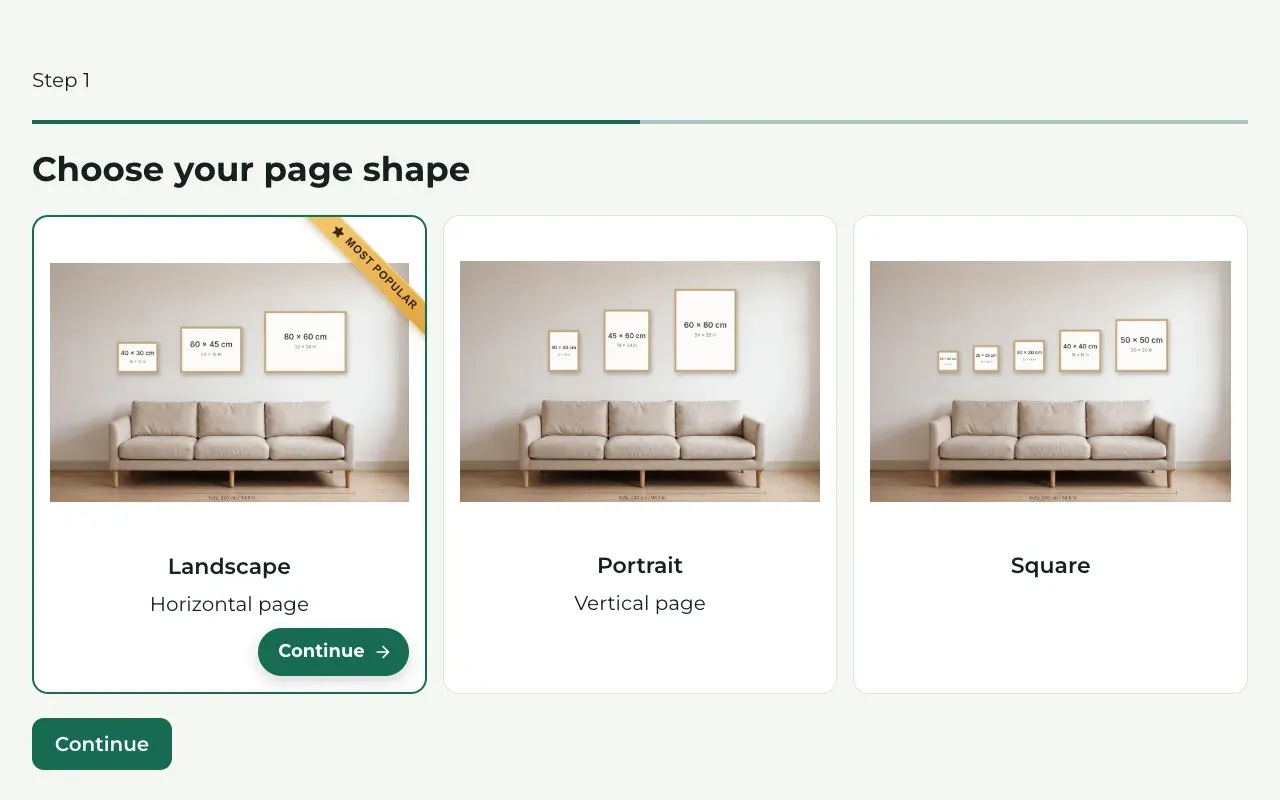
Choose your page shape
Choose Landscape (a wide page), Portrait (a tall page) or Square. Think of the wall or the frame where the tree will hang.
Press Continue.
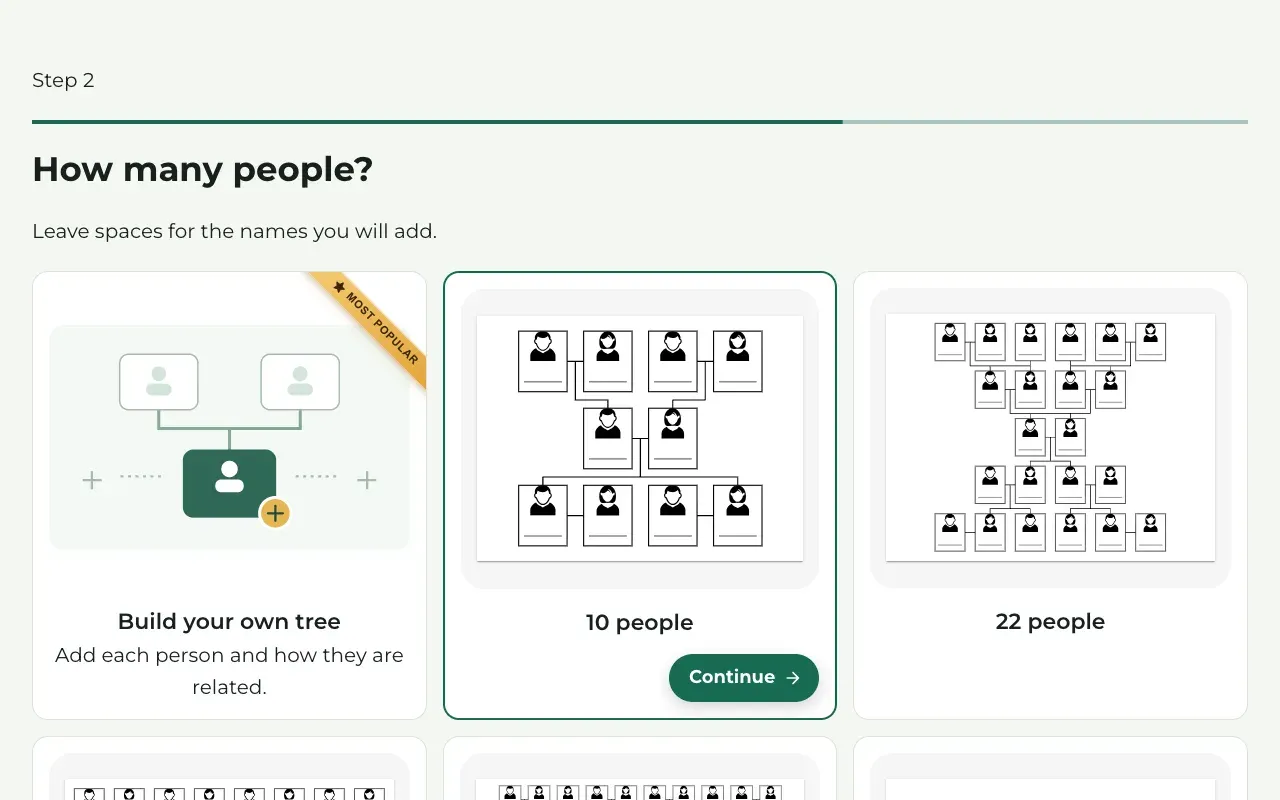
Choose how many people
Choose Build your own tree to add each person and how they are related. On the next step, Who is in the family?, you start with yourself; buttons such as Add parent, Add partner, Add child and Add brother or sister add relatives. Type each name as you go, and watch the Live preview grow.
Or choose a ready-made size, such as 10 people or 22 people. The design then leaves empty spaces for the names, which you can fill in for free on the preview.
Press Continue.
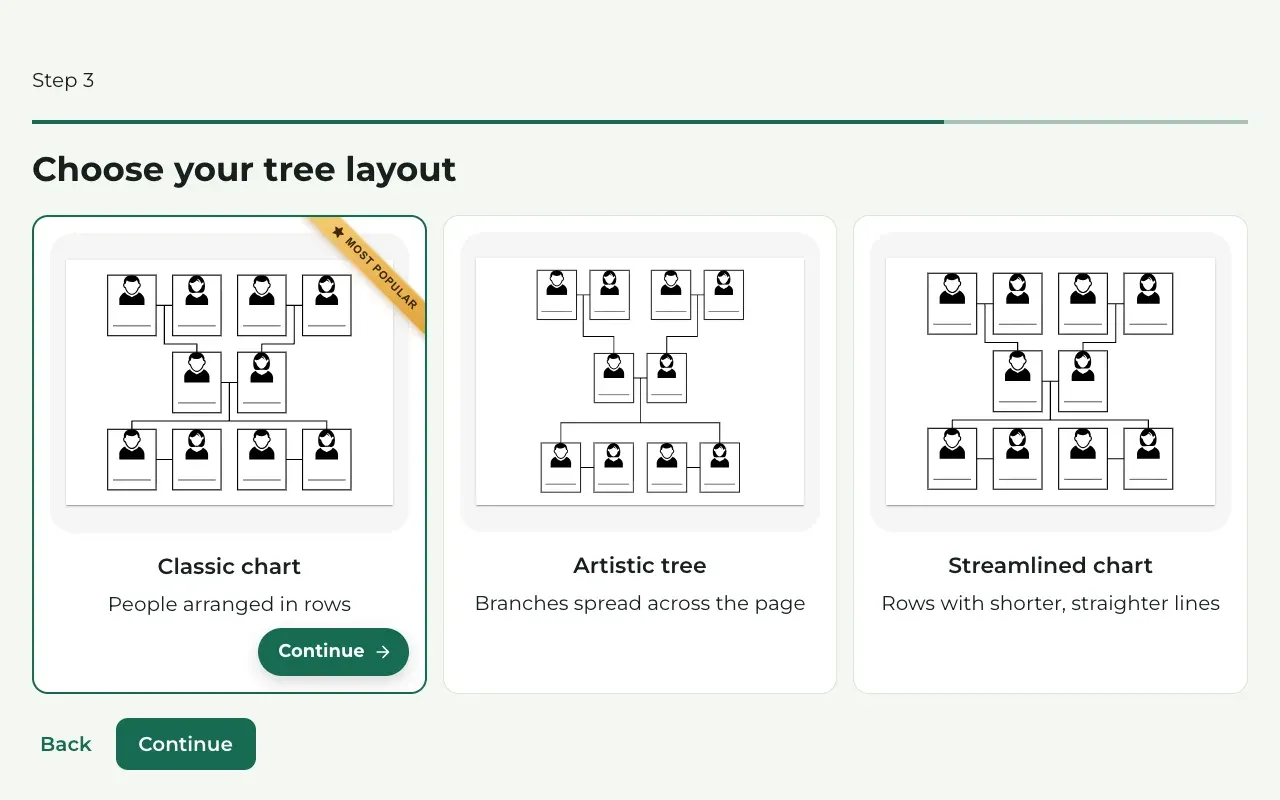
Choose the layout
Choose how the people are arranged: Classic chart, Artistic tree or Streamlined chart. The pictures show each one.
Press Continue.
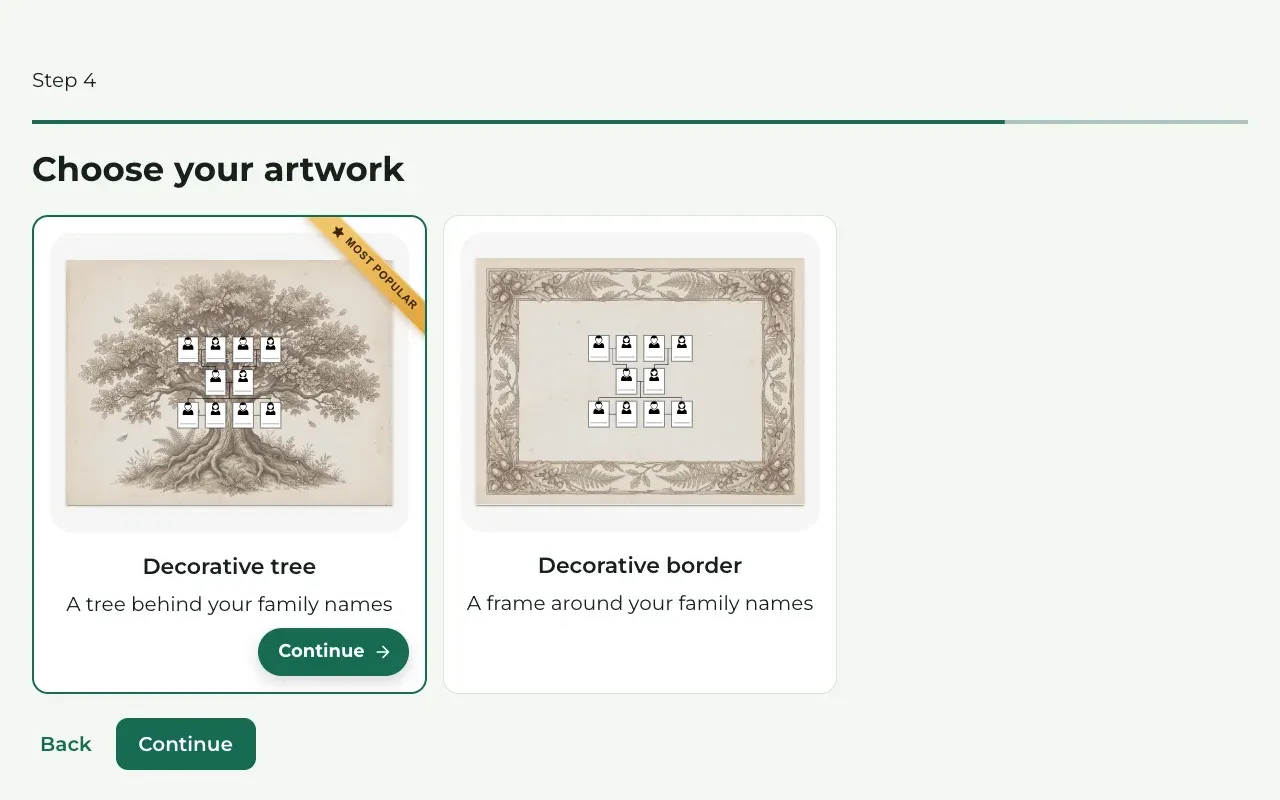
Choose the artwork
Choose Decorative tree for a painted tree behind the names, or Decorative border for a frame around them.
Press Continue.
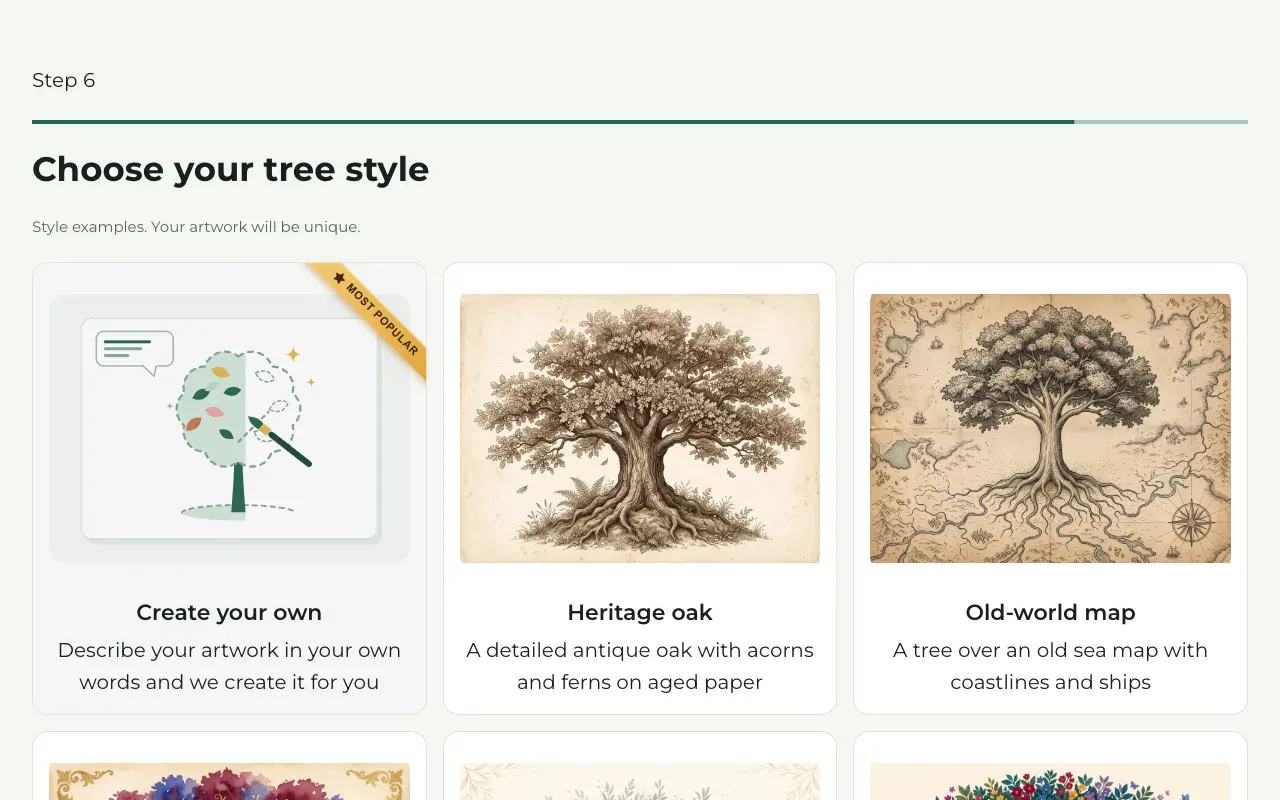
Choose the style
Pick the look you like best: Heritage oak, Old-world map, Royal lineage, Botanical olive or Garden in bloom. The pictures are examples. Your own artwork is made fresh for your design, so it will look a little different.
Or choose Create your own and describe the artwork in your own words on the next step, Describe your artwork: what it shows, which colours you like and the mood, in at least 150 characters.
Press Continue.
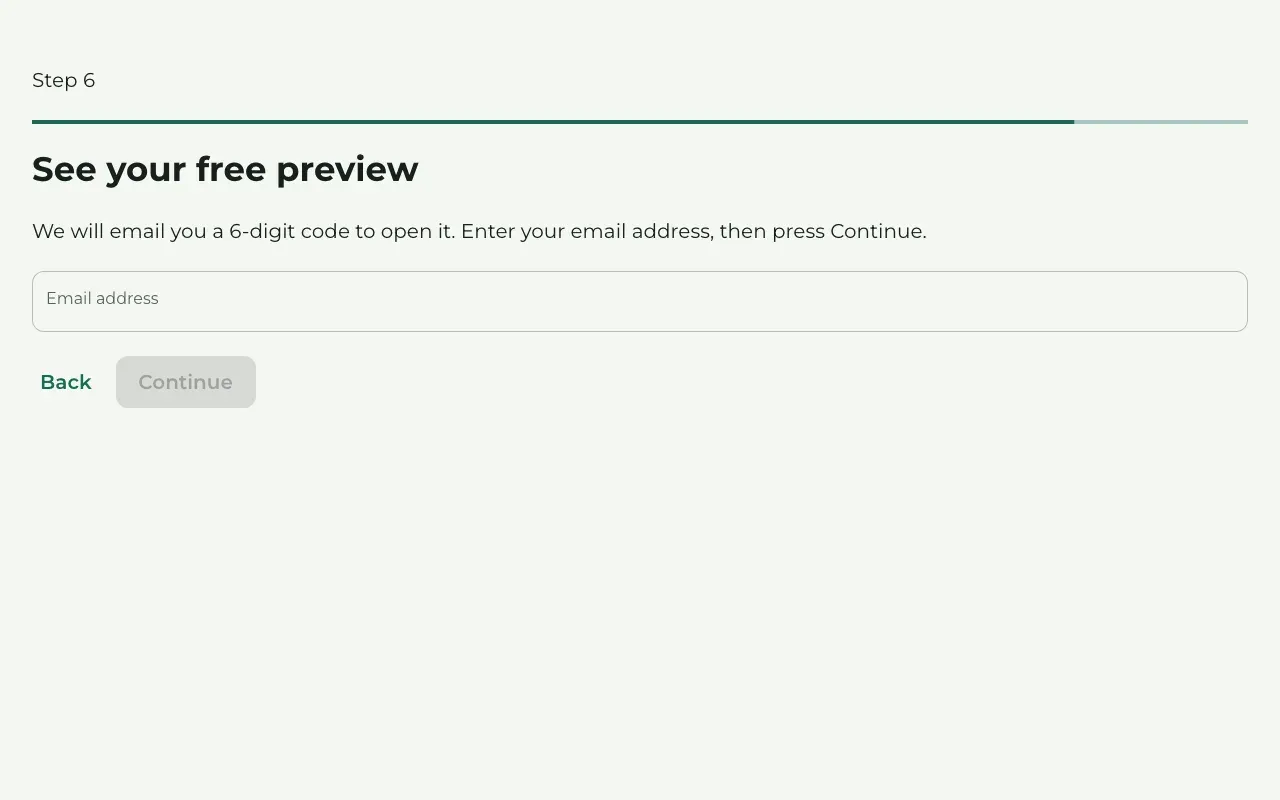
Enter your email
The step See your free preview asks for your email address. Type it in Email address and press Continue. Treeshy sends you a 6-digit code to open your preview.
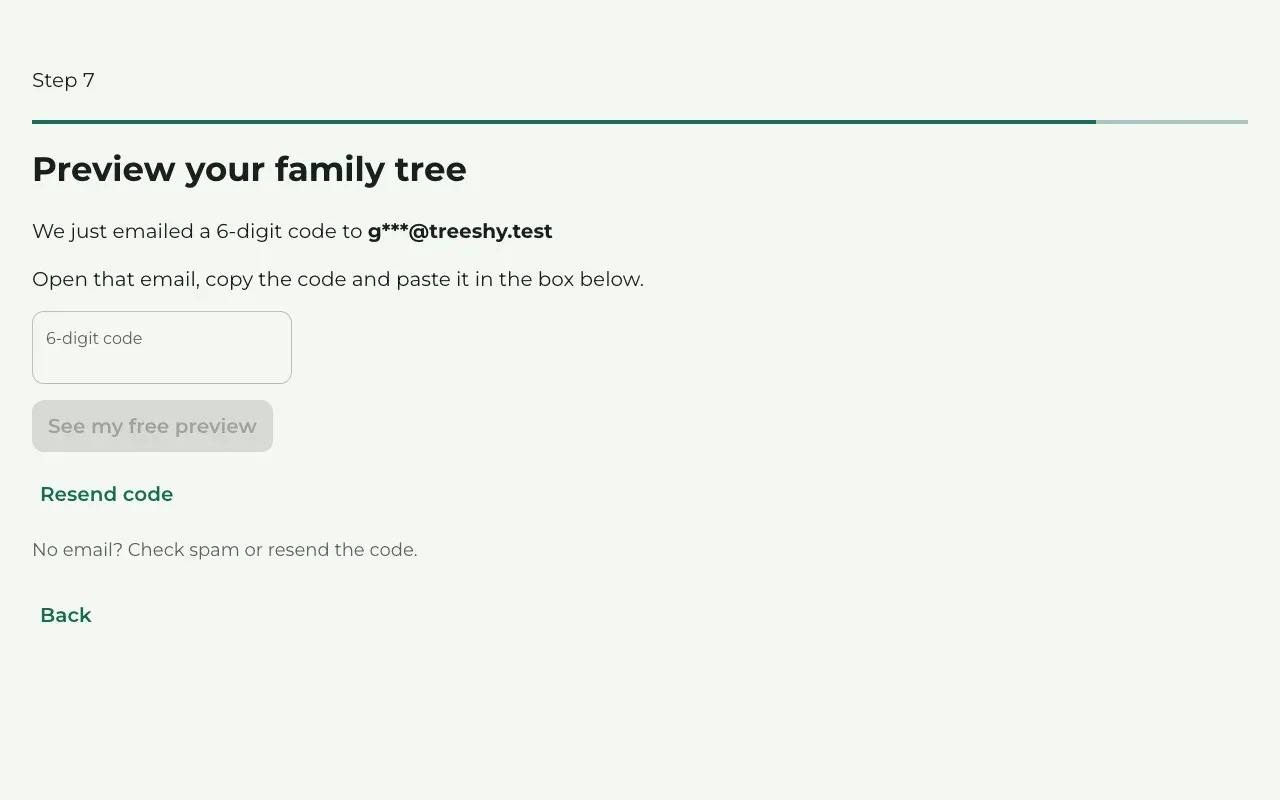
Enter the code
Open the email from Treeshy and copy the code. Paste it in 6-digit code and press See my free preview.
No email after a few minutes? Look in your spam folder, or press Resend code.
The code also creates your Treeshy account, so you do not need a password now. You can choose one later.
See your design
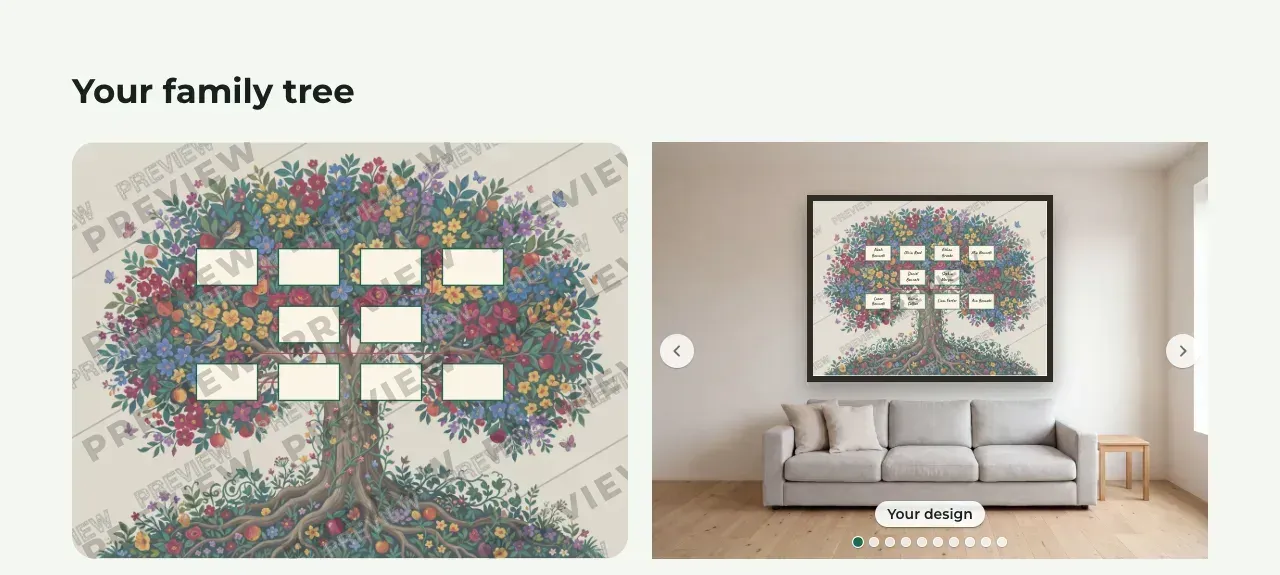
Treeshy shows Preparing your family tree… while it works. Then your design appears under Your family tree, with a PREVIEW TREESHY.COM watermark across it.
Use the arrows next to the second picture to see your design on a wall, and your family in other ready-made styles.
Names missing or wrong? Press Edit names and relatives under the preview and fix them for free before you buy. On a computer, Edit in the studio opens the design in the editor, where you can change its look and settings without a plan.
Choose what to take home
Below the preview, Treeshy offers these choices:
- Just download your design: press Buy & download and choose your print size. You pay once for a print-ready file of exactly this design, without the watermark, and you cannot change it afterwards.
- Get full access: a subscription. You can open the design in the editor, change names, photos and the template at any time, and make more designs.
- When Digital + Printed, Framed shows above the choices, you can also order the design as a printed poster.
You do not have to choose today: an unpaid preview stays for 3 months. Plans and payments explains the difference in more detail.
Download your file
After payment, Treeshy shows Your family tree is ready! Press Download my family tree. Treeshy also emails you the download link.
With a subscription, press Open My projects to keep editing the design. The guide Download your design explains printing.
Still stuck? Look for your question in the FAQ, browseall guides, or write to us.