
Your projects
Create, open, rename and delete your family tree projects, let Treeshy design a new one, and know how your work is saved.
With a plan, every family tree you make is a project in your account. Treeshy saves it as you work, so you can stop at any time and open it again on any computer.
My projects
Where to find it: Any Treeshy page → My projects (top right, when you are signed in)
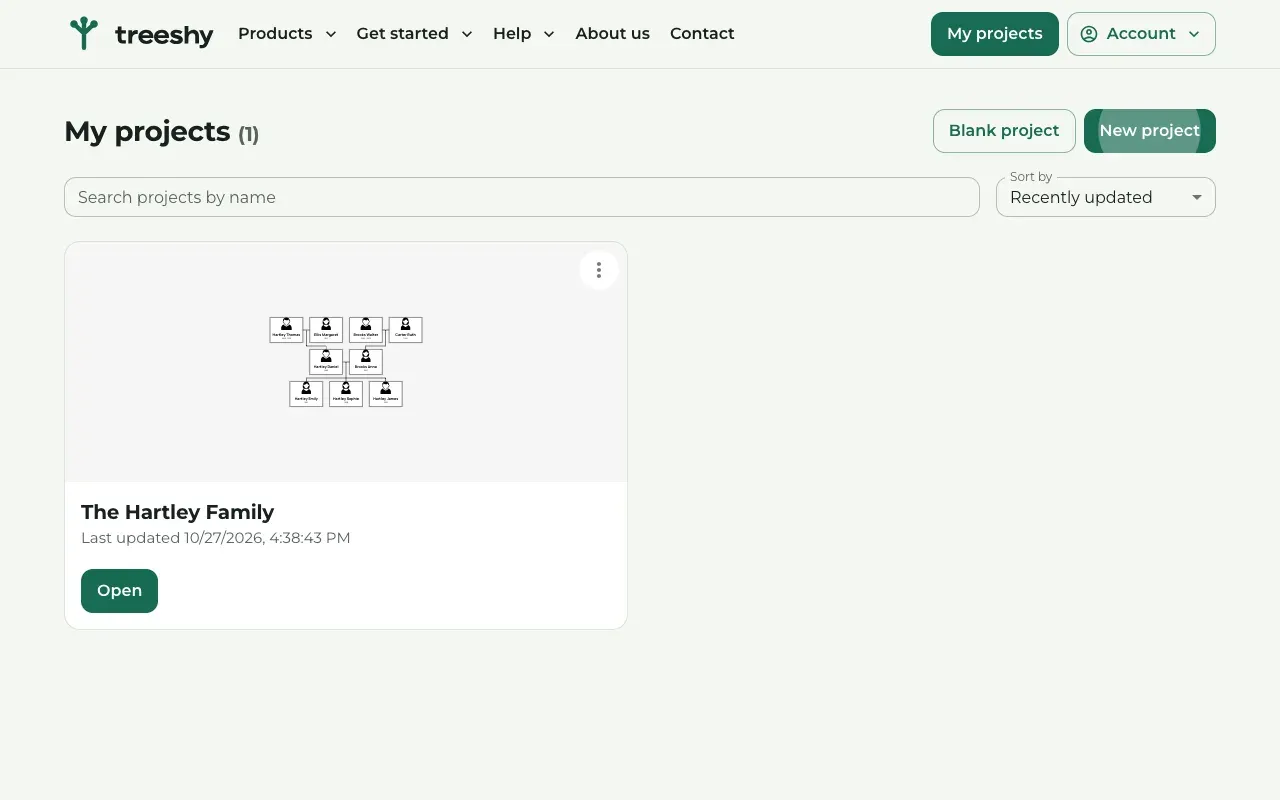
Press My projects at the top right. The page lists your projects, with a small picture of each.
Type in Search projects by name to find one, or change the order with Sort by. Press Open to continue working on a project.
Start a new project
Where to find it: My projects → Blank project or New project
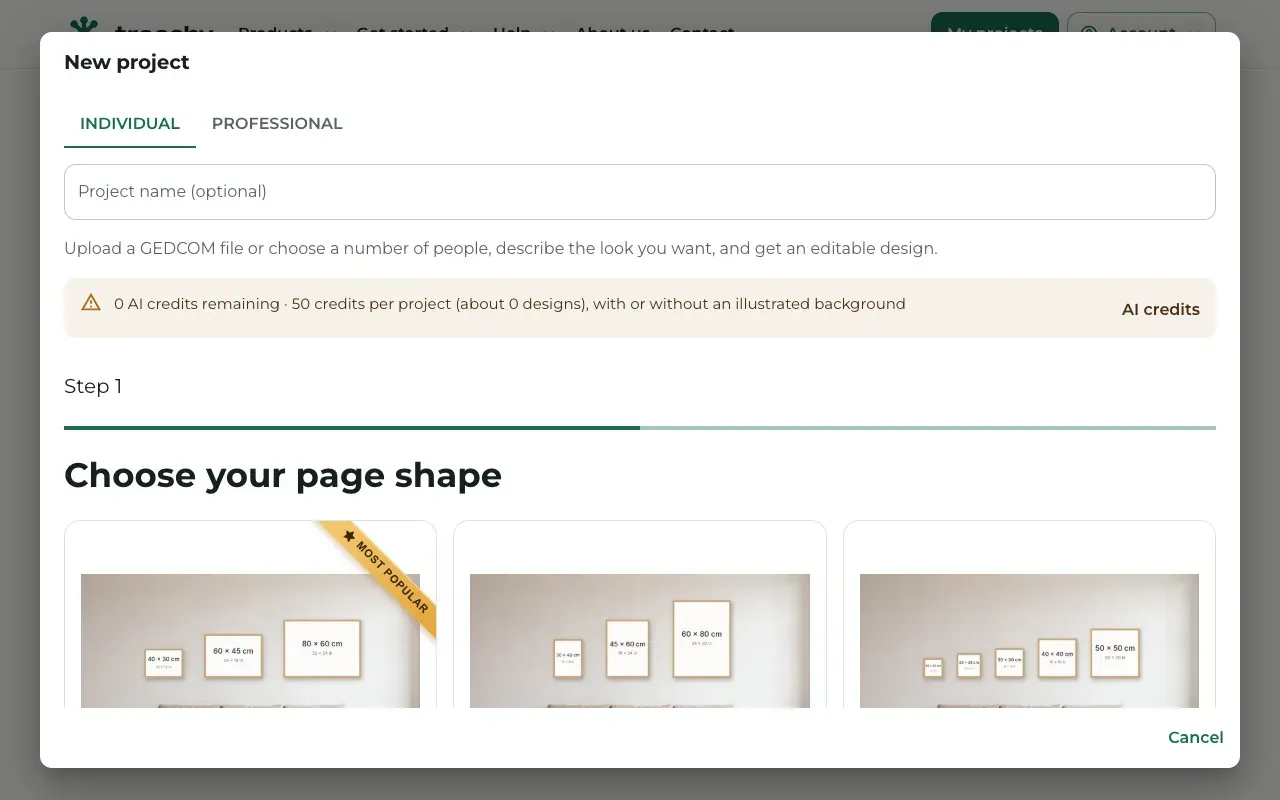
Blank project opens the editor with a ready-made empty tree, called My family tree. Fill it in as the guide Make your first family tree shows.
New project lets Treeshy design the tree for you, as in Let Treeshy design your tree. Choose Individual or Professional, give the project a name if you like, and answer the questions. You can also start from a GEDCOM file here. The window shows how many AI credits a design uses and how many you have left.
When the design is ready, its card says Your design is ready. Press Open.
Rename or delete a project
Where to find it: My projects → the three dots on a project card
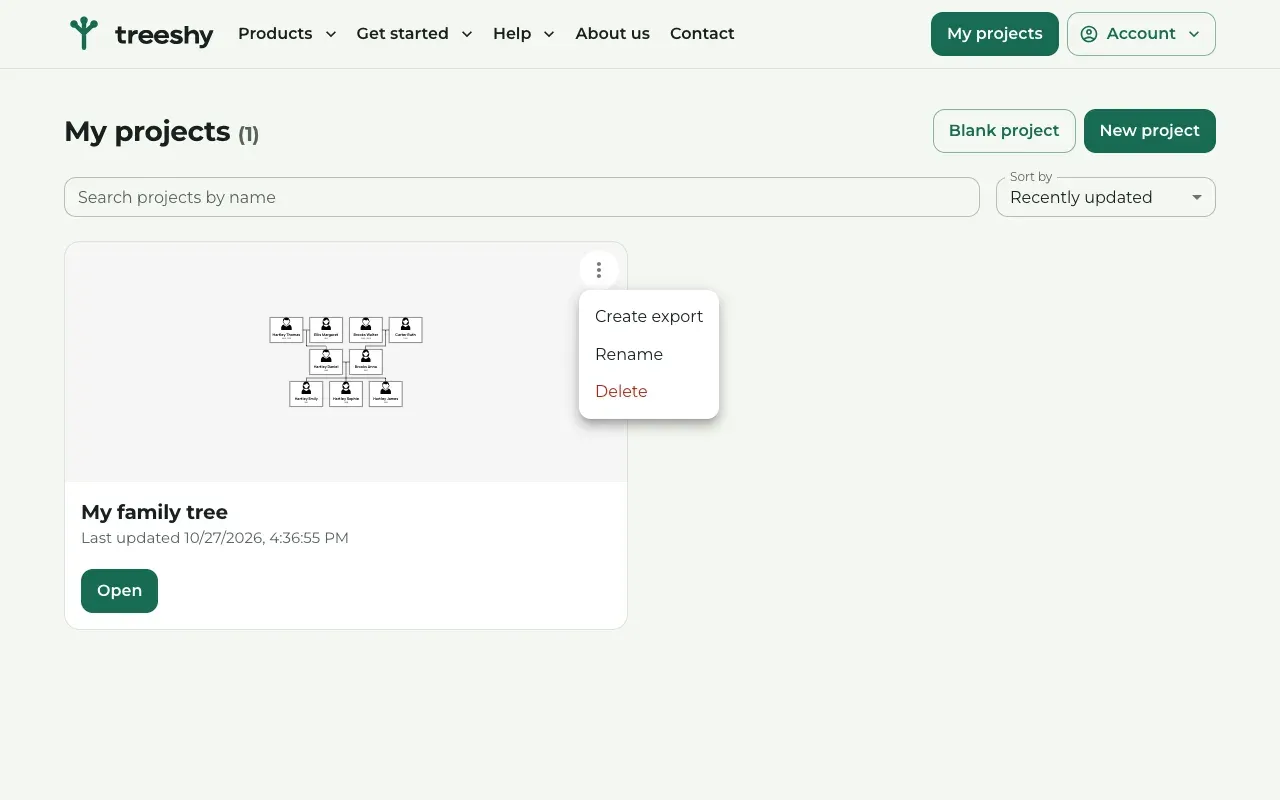
Press the three dots in the corner of a project card. The menu has Create export, Rename and Delete.
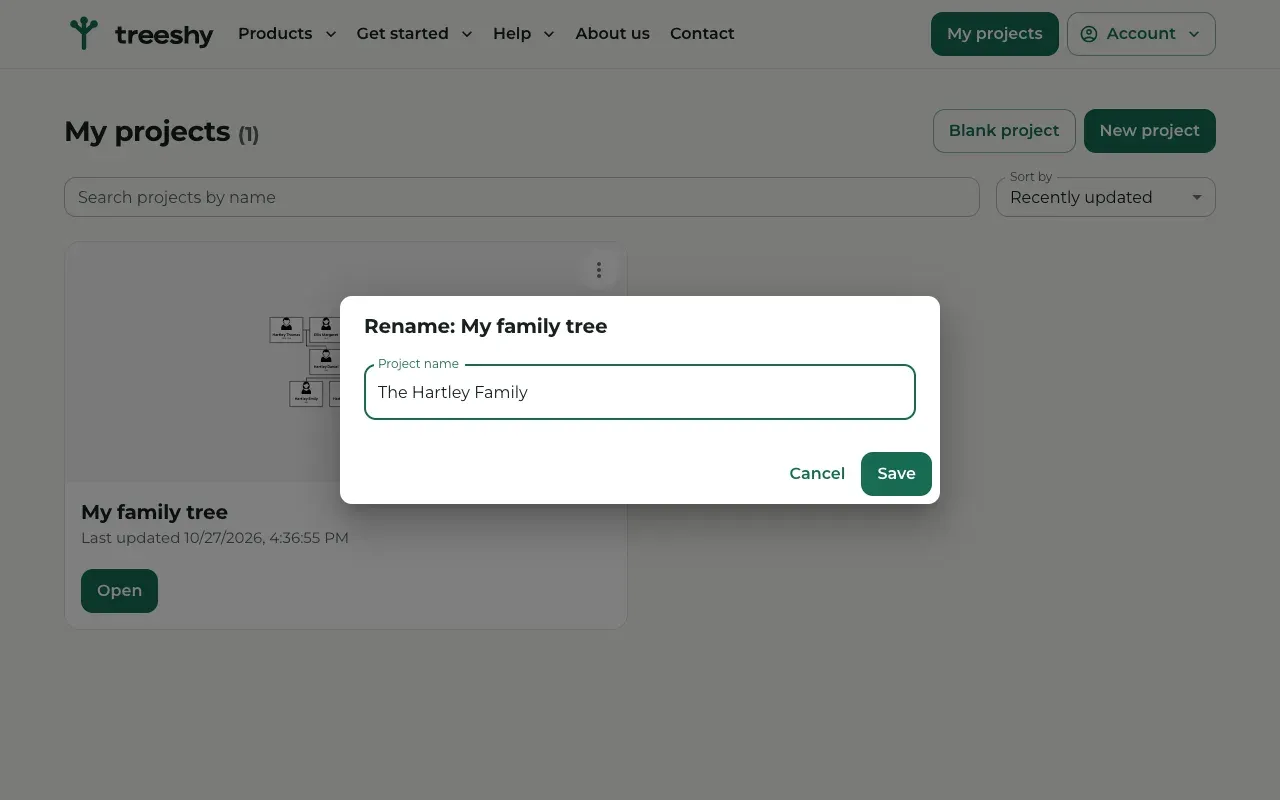
Rename opens a window with Project name. Type the new name and press Save.
Delete removes the project for good. Treeshy asks you to confirm first.
Create export makes a print-ready file, as Download your design explains.
How your work is saved
Treeshy saves your project to your account while you edit. There is no save button for the design itself. Changes to a person still need Save in the Person actions panel.
To leave the editor, press Exit to main menu, the last button in the toolbar, and confirm with OK. You are back on My projects.
Limits and what happens without a plan
Each plan holds a number of projects and an amount of storage. Plan and usage on your Profile shows how much you use.
If your plan ends, your projects stay in your account, but you cannot open them in the editor until you subscribe again. The page then shows a Subscribe button.
One project is the exception: the design Treeshy made for you with the form, before you paid for it. It is listed on My projects and opens with Open without a plan, so you can change it and save it for free. Downloading it needs a plan, or the one-time file from its preview page. An unpaid design stays for 3 months.
Still stuck? Look for your question in the FAQ, browseall guides, or write to us.