Vintage photo family tree template
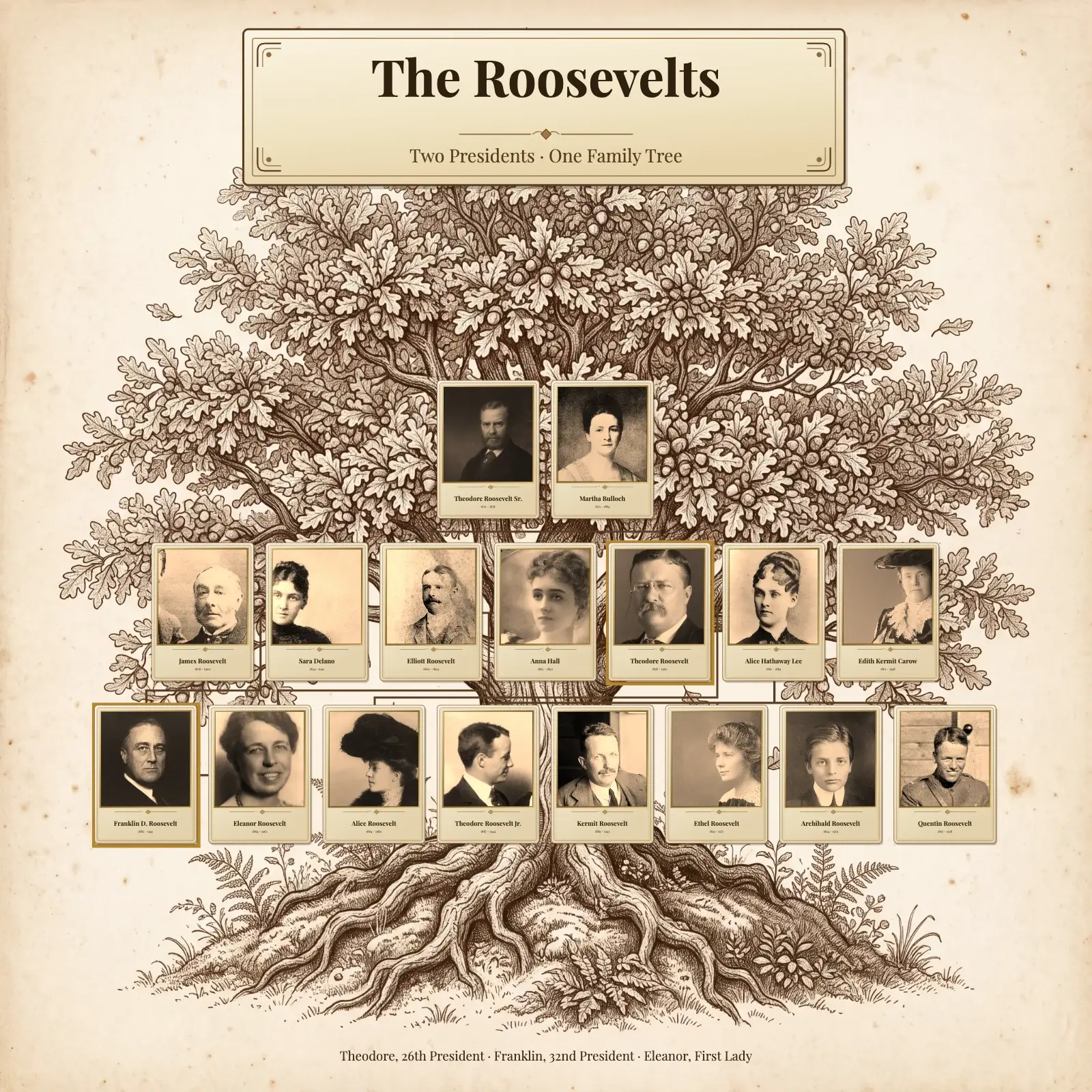
An heirloom-style family tree template of cabinet-card portraits on an engraved oak, like an old family album. Made with the Roosevelt family.
- Page shape
- Square (1:1), or any other shape
- Artwork
- Heritage oak, decorative tree
- In the editor
- Settings → Template Style → Heritage oak tree
Trying the template is free and needs no account. A print-ready file comes with a plan.
How the design is made
- Square 1:1 on the Heritage oak artwork
- Vintage cabinet-card portraits in one sepia tone
- A second marriage and two families joined by a wedding
- Highlighted cards for the two presidents, Playfair Display type
Your tree takes the artwork, the cards, the fonts, the colours and the lines. The people, the photos and the texts on the page stay your own.
Two presidents, one family tree: we made this template with Theodore and Franklin Roosevelt’s family. Every person sits on a tall cabinet card, like the studio portraits of a century ago, on an engraved oak with dark brown lines.
The example shows a second marriage and two family lines joined by a wedding, so it suits blended families too. For the look in the picture, use old family photos, or photos you have toned sepia yourself, before you add them.
Your family in this style, on any page
The style takes your own people, names and photos. Here it is with a sample family of ten, in each page shape.
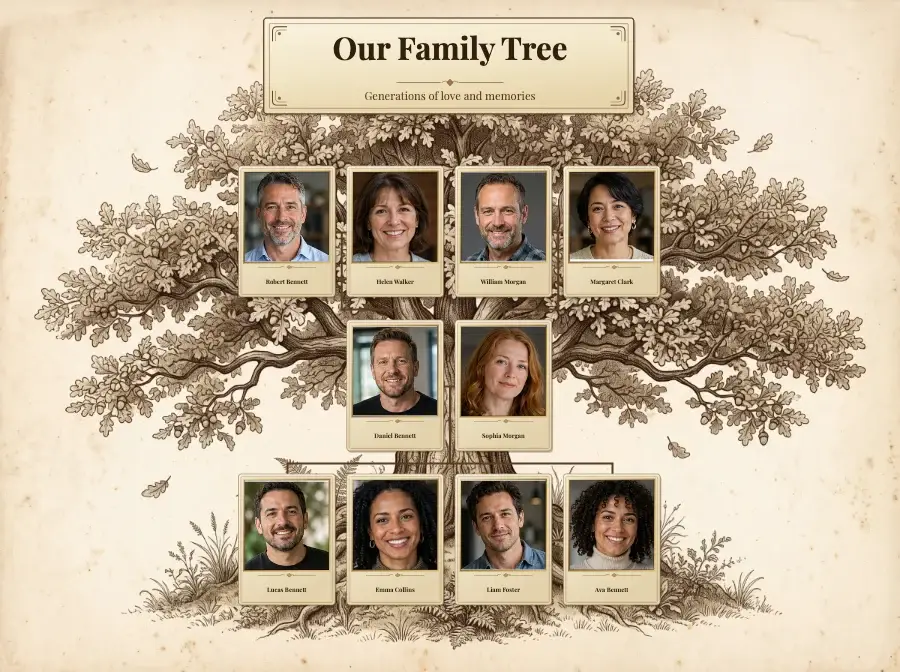
Landscape 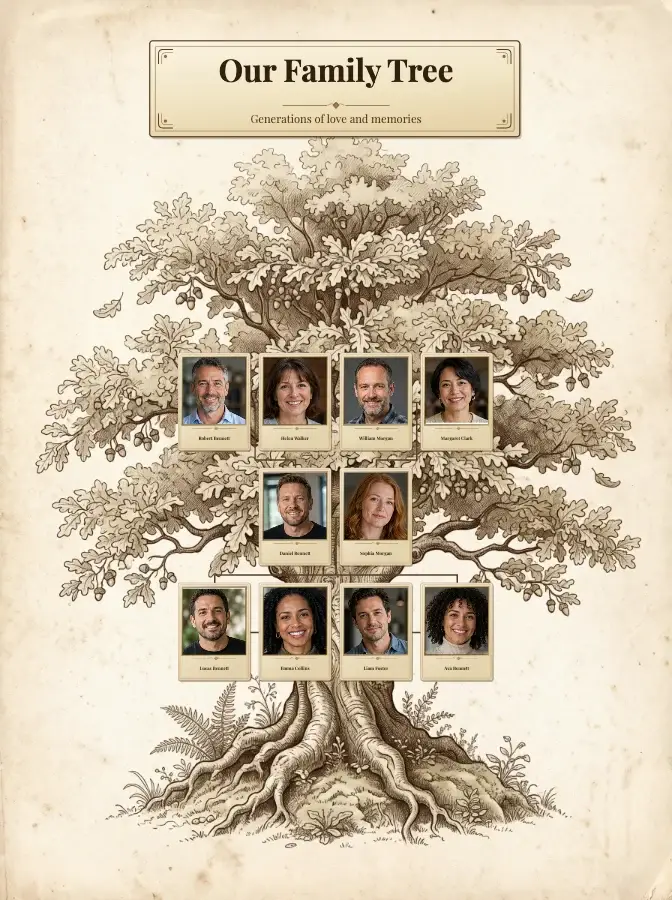
Portrait 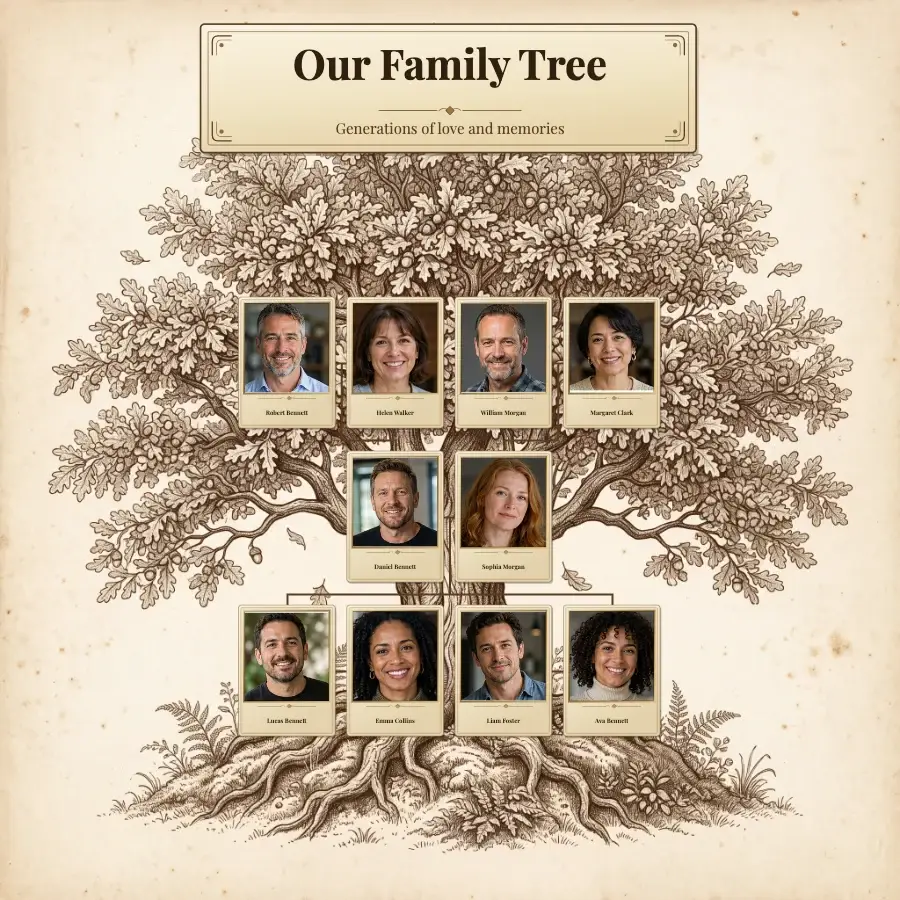
Square
How to use this template
- Open the free editor, or open your project from My projects if you have a plan.
- Put in your family: type the names on the ready-made tree, build it person by person, or import a GEDCOM file.
- Press the gear button (Settings) at the bottom of the screen and open Template Style.
- Click Heritage oak tree and press OK. The background, cards, fonts, colours and lines change; your people, names, dates, photos and page texts stay as they are.
- Change the title, add photos and check every name. To download a print-ready file, choose a plan.
Would you rather Treeshy built the tree for you? Answer the family tree form and choose Decorative tree and the Heritage oak style, and you see a free preview before you pay. Then press Edit in the studio and choose Heritage oak tree under Template Style: restyling your preview is free. How the form works.
Portrait credits (17)
The portraits are historical works, cropped and resized for this design. Each one links to its source.
- Quentin Roosevelt — Unknown photographer · Public domain
- Archibald Roosevelt — Pach Brothers (Bain News Service) · Public domain
- Ethel Roosevelt — Unknown photographer (Library of Congress) · Public domain
- Kermit Roosevelt — National Photo Company · Public domain
- Theodore Roosevelt Jr. — Walter Scott Shinn · Public domain
- Alice Roosevelt Longworth — Frances Benjamin Johnston · Public domain
- Eleanor Roosevelt — Unknown photographer · Public domain
- Franklin D. Roosevelt — Vincenzo Laviosa · Public domain
- Anna Hall Roosevelt — Katherine Arthur Behenna · Public domain
- Elliott Roosevelt — Unknown photographer (Franklin D. Roosevelt Presidential Library) · Public domain
- Edith Kermit Carow Roosevelt — Frances Benjamin Johnston; restoration by Adam Cuerden · Public domain
- Alice Hathaway Lee Roosevelt — Unknown photographer · Public domain
- Theodore Roosevelt — Pach Brothers; restoration by Adam Cuerden · Public domain
- Sara Delano Roosevelt — Unknown photographer · Public domain
- James Roosevelt — Unknown photographer (Franklin D. Roosevelt Library) · Public domain
- Martha Bulloch Roosevelt — Unknown artist · Public domain
- Theodore Roosevelt Sr. — National Park Service (photograph of a portrait) · Public domain