Anniversary family tree template
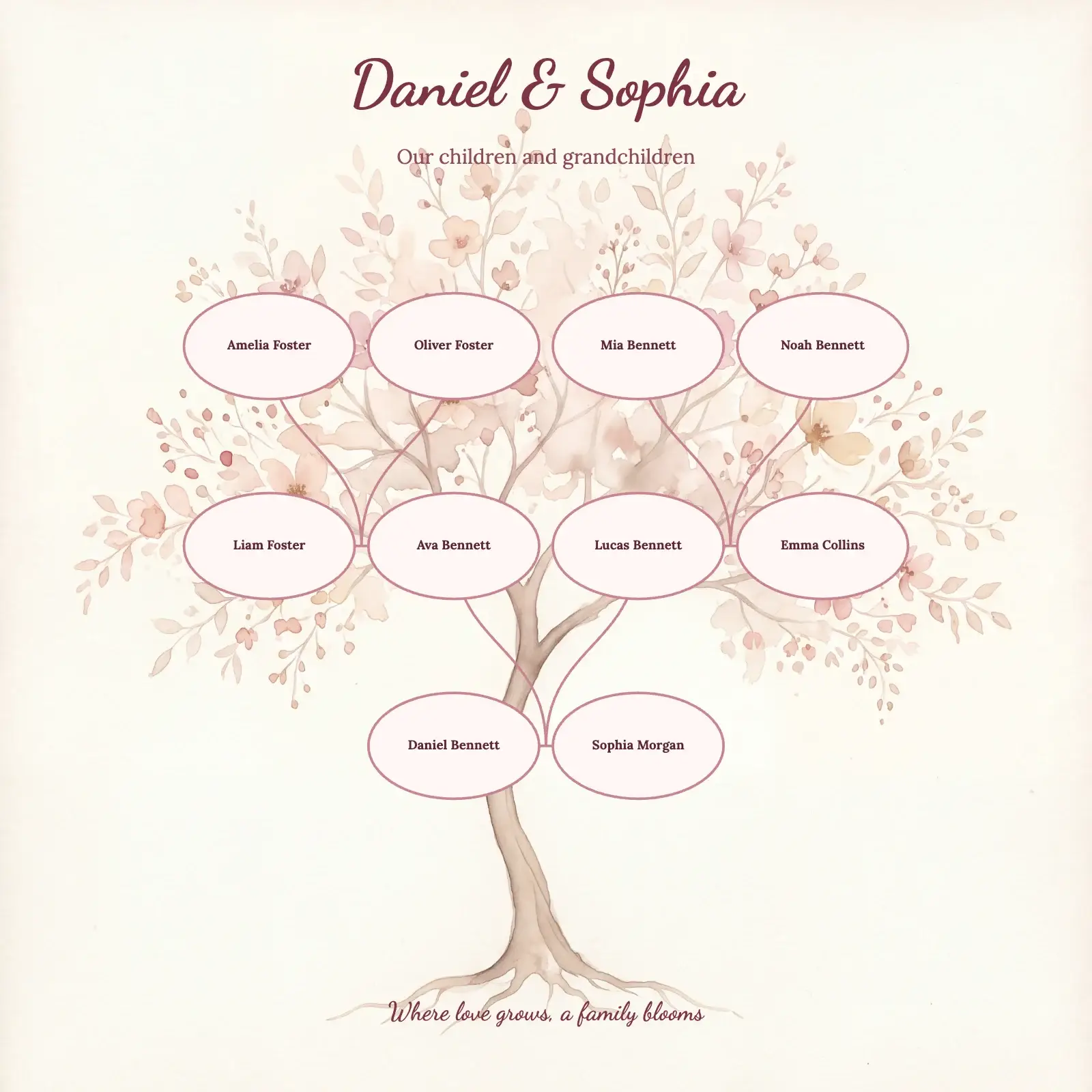
A soft cherry-blossom family tree template for an anniversary gift: the couple on the trunk, their children and grandchildren blooming above as name medallions.
- Page shape
- Square (1:1), or any other shape
- Artwork
- Romantic blossom, decorative tree
- In the editor
- Settings → Template Style → Daniel & Sophia tree
Trying the template is free and needs no account. A print-ready file comes with a plan.
How the design is made
- Square 1:1 on the Romantic blossom tree artwork
- Names only, on oval medallion cards
- Descendants of one couple, growing bottom to top with curved lines
- Dancing Script title, Lora names
Your tree takes the artwork, the cards, the fonts, the colours and the lines. The people, the photos and the texts on the page stay your own.
An anniversary gift that needs no photos. We made this template with a couple on the trunk of a pale cherry-blossom tree and their children, the children’s partners and the grandchildren blooming above them on blush oval medallions. The tree grows from the bottom up, joined by soft curved lines.
The names are set in Lora, and the square page fits a classic square frame.

Your family in this style, on any page
The style takes your own people, names and photos. Here it is with a sample family of ten, in each page shape.
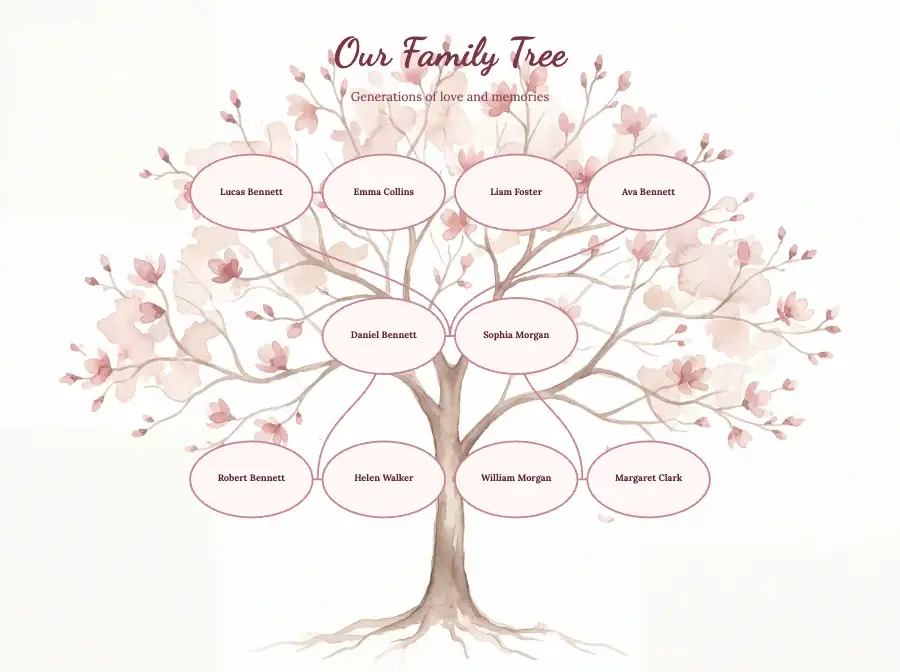
Landscape 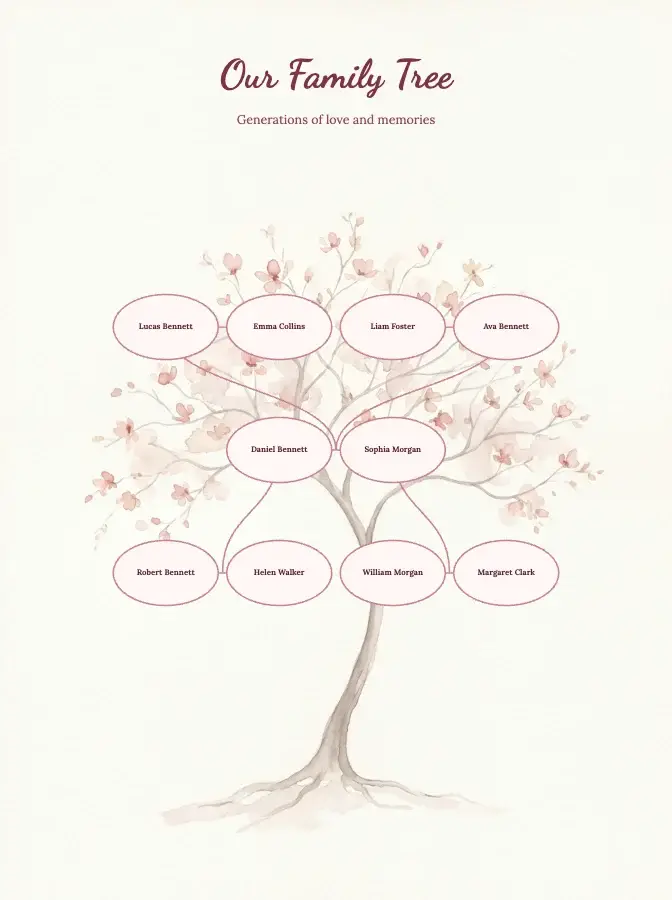
Portrait 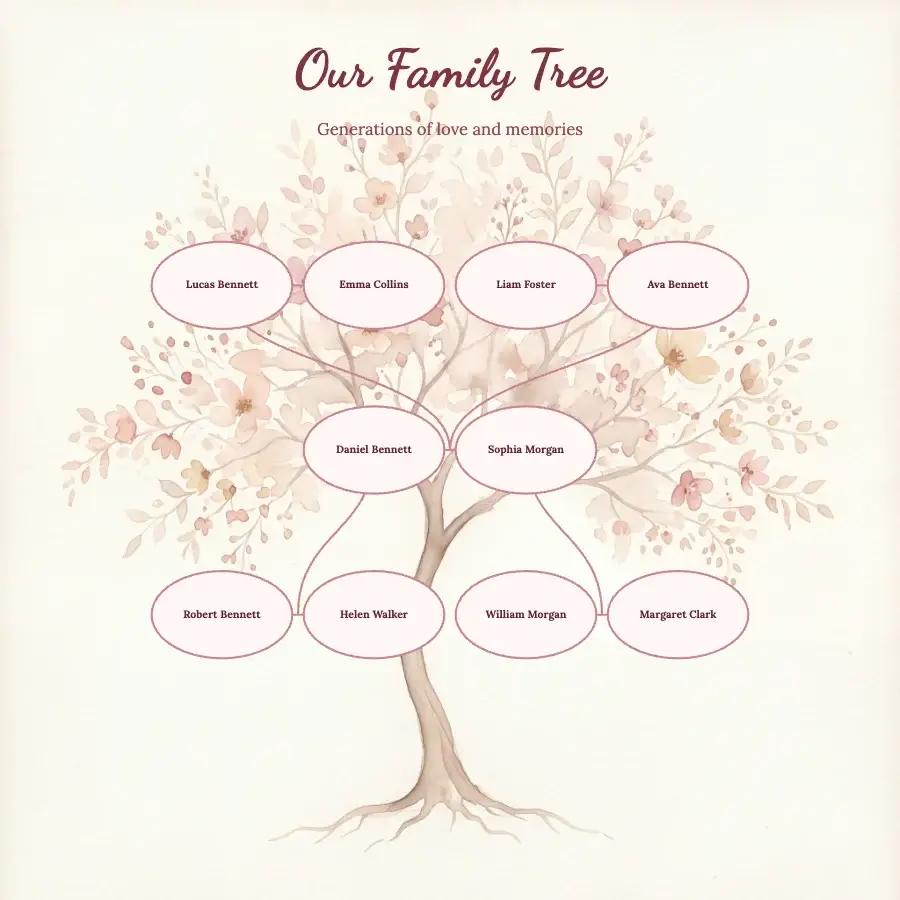
Square
How to use this template
- Open the free editor, or open your project from My projects if you have a plan.
- Put in your family: type the names on the ready-made tree, build it person by person, or import a GEDCOM file.
- Press the gear button (Settings) at the bottom of the screen and open Template Style.
- Click Daniel & Sophia tree and press OK. The background, cards, fonts, colours and lines change; your people, names, dates, photos and page texts stay as they are.
- Change the title, add photos and check every name. To download a print-ready file, choose a plan.
Would you rather Treeshy built the tree for you? Answer the family tree form, and you see a free preview before you pay. Then press Edit in the studio and choose Daniel & Sophia tree under Template Style: restyling your preview is free. How the form works.