Royal family tree template with portraits
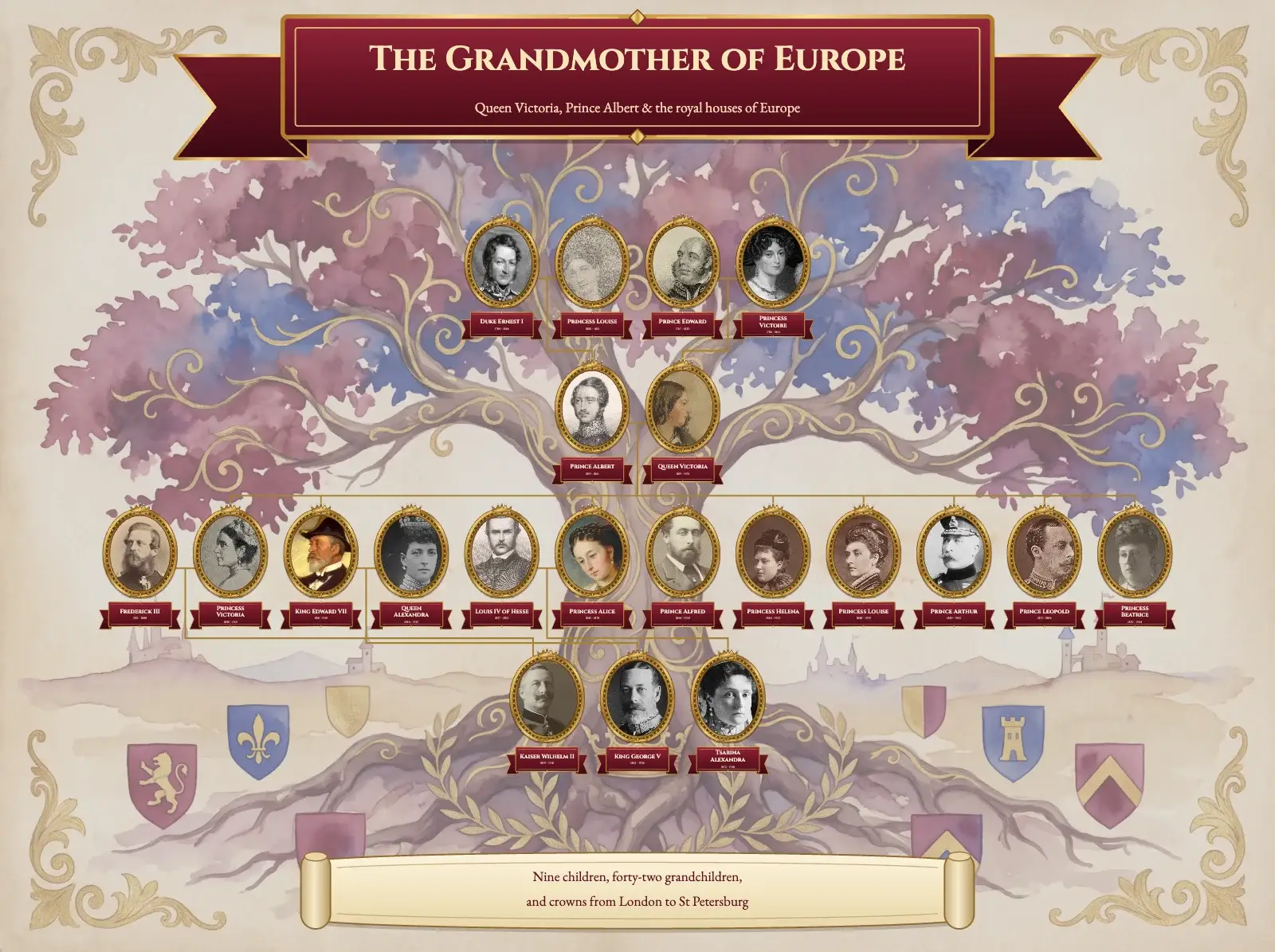
A crimson and gold family tree template with gilded oval portraits on a heraldic watercolour tree. Made with Queen Victoria's family; ready for yours.
- Page shape
- Landscape (4:3), or any other shape
- Artwork
- Royal lineage, decorative tree
- In the editor
- Settings → Template Style → Royal lineage tree
Trying the template is free and needs no account. A print-ready file comes with a plan.
How the design is made
- Landscape 4:3 on the Royal lineage artwork
- Gilded oval portraits with royal ribbon name plates
- Classic hourglass layout with gold elbow lines
- Cinzel names, EB Garamond subtitle and caption
Your tree takes the artwork, the cards, the fonts, the colours and the lines. The people, the photos and the texts on the page stay your own.
We made this template with the family of Queen Victoria: her parents and Prince Albert’s at the top, the couple in the middle, their nine children and their partners across the crown, and three grandchildren who wore Europe’s crowns at the roots. Every person has an oval portrait in a gold frame and a crimson ribbon with the name and years.
It suits a family that has photos of most people and wants the tree to feel like an heirloom. Gold lines with square corners join each couple to their children, so even a big family stays easy to follow.

Your family in this style, on any page
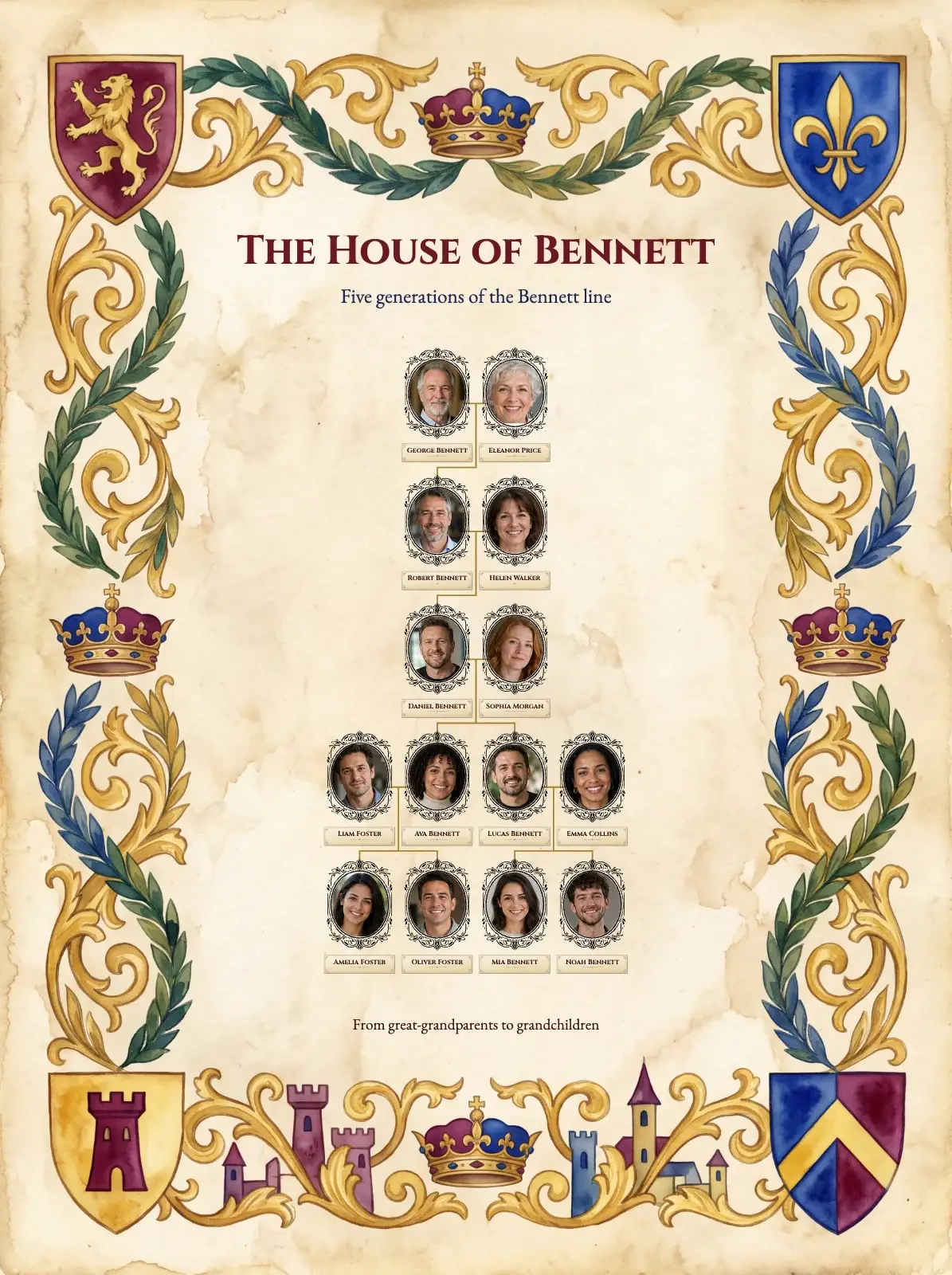
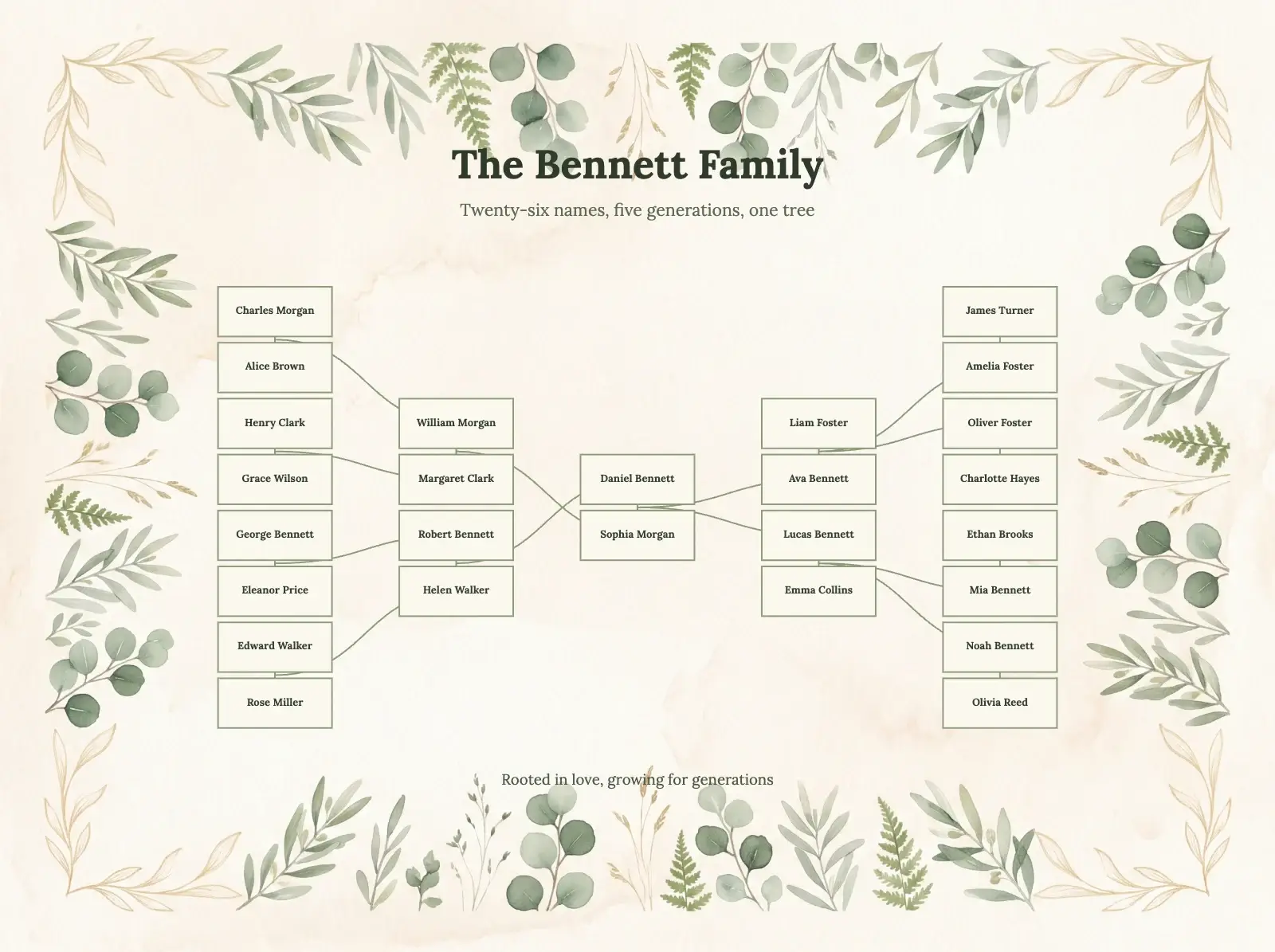
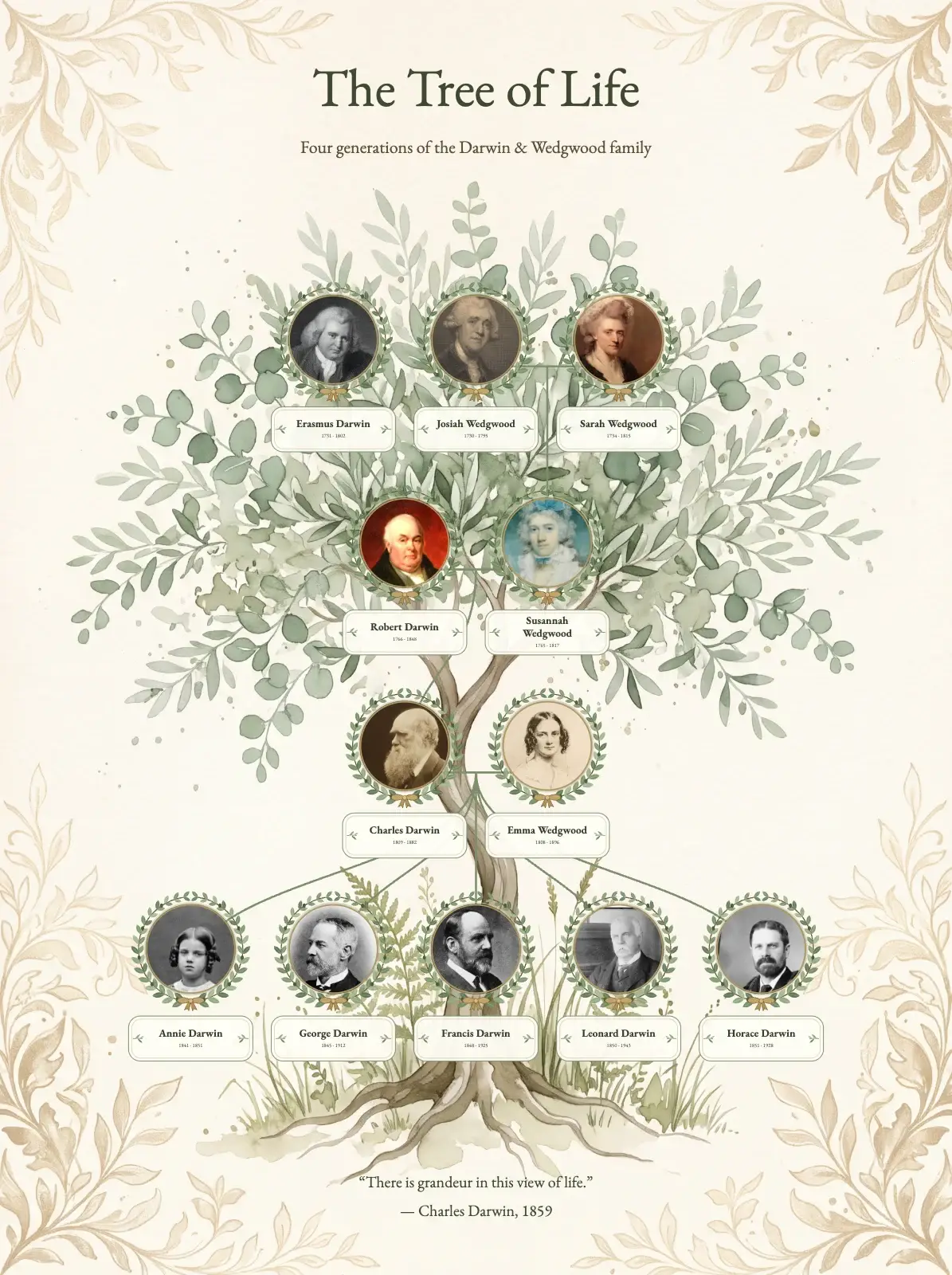
The style takes your own people, names and photos. Here it is with a sample family of ten, in each page shape.
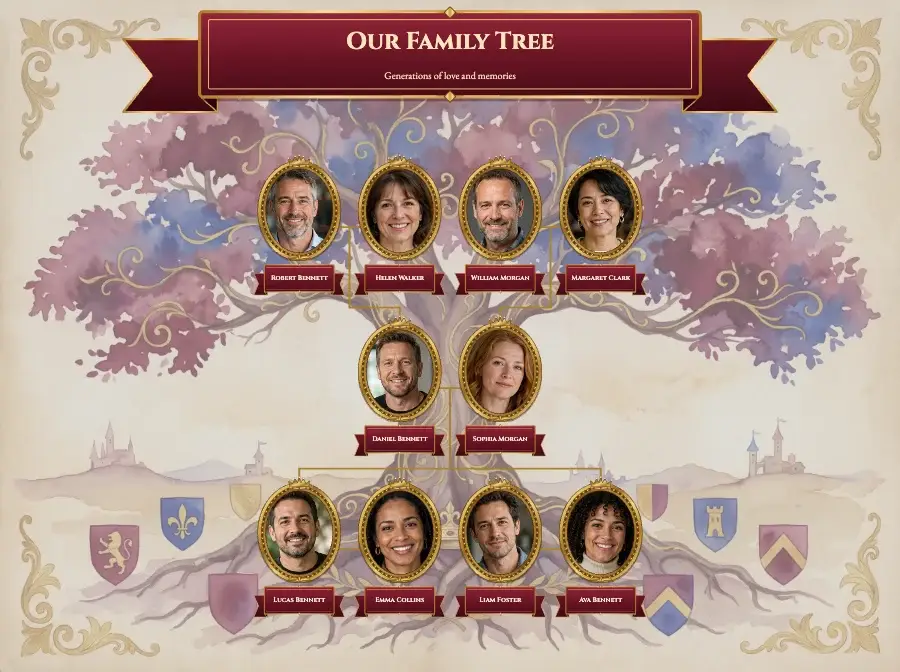
Landscape 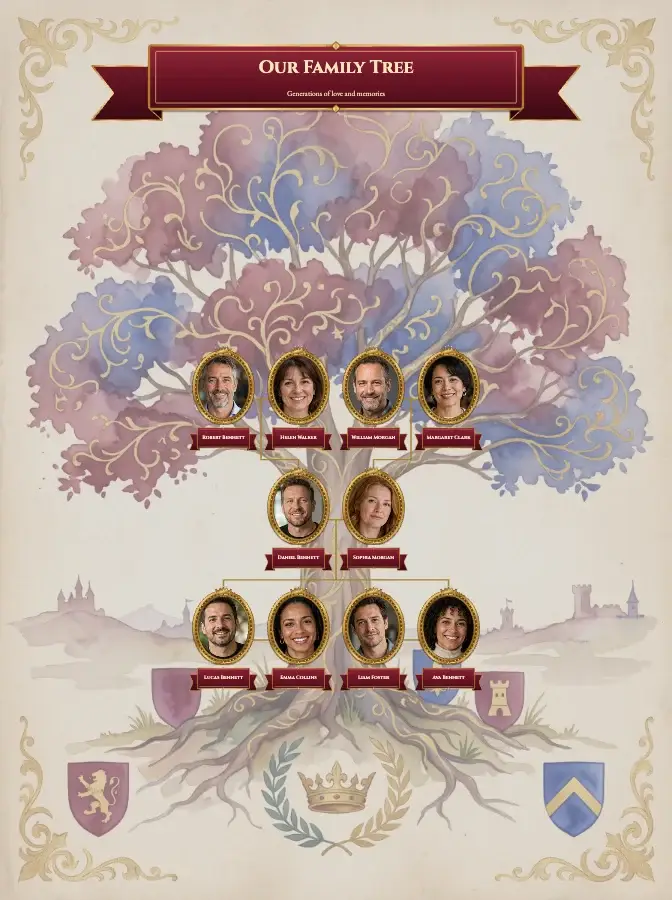
Portrait 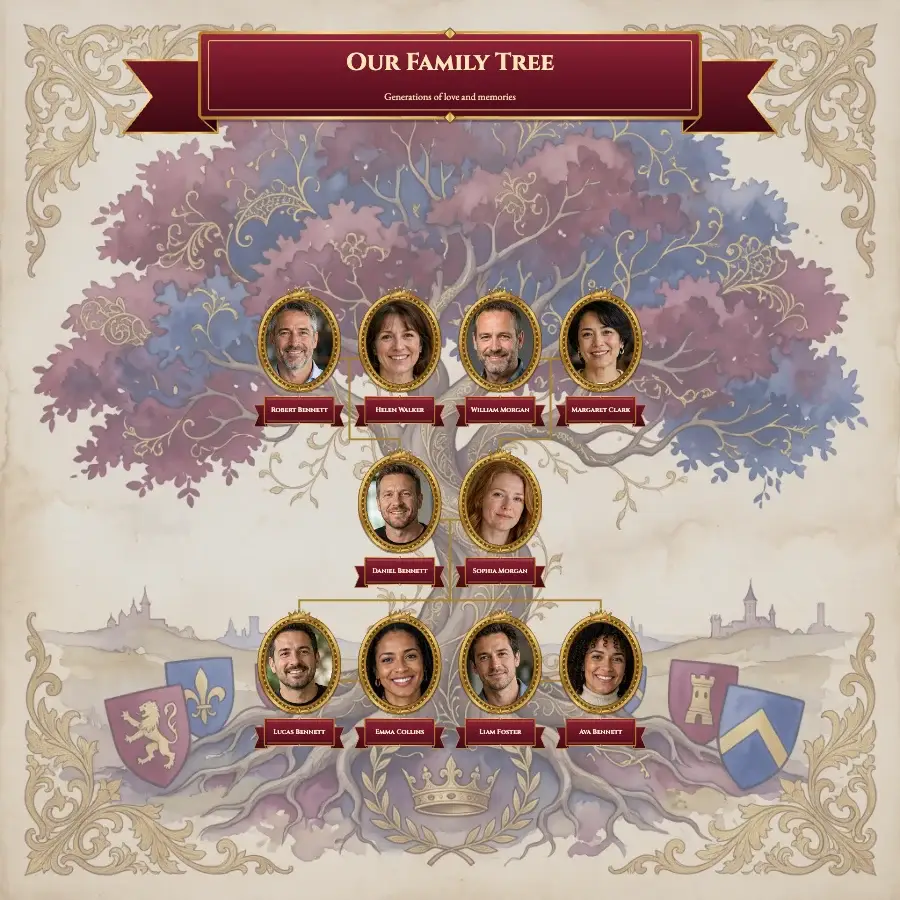
Square
How to use this template
- Open the free editor, or open your project from My projects if you have a plan.
- Put in your family: type the names on the ready-made tree, build it person by person, or import a GEDCOM file.
- Press the gear button (Settings) at the bottom of the screen and open Template Style.
- Click Royal lineage tree and press OK. The background, cards, fonts, colours and lines change; your people, names, dates, photos and page texts stay as they are.
- Change the title, add photos and check every name. To download a print-ready file, choose a plan.
Would you rather Treeshy built the tree for you? Answer the family tree form and choose Decorative tree and the Royal lineage style, and you see a free preview before you pay. Then press Edit in the studio and choose Royal lineage tree under Template Style: restyling your preview is free. How the form works.
Portrait credits (21)
The portraits are historical works, cropped and resized for this design. Each one links to its source.
- Alexandra Feodorovna, Empress of Russia — Boasson and Eggler · Public domain
- Princess Beatrice — Unknown photographer (Rijksmuseum) · CC0 1.0 public domain dedication
- Wilhelm II, German Emperor — Unknown photographer (Rijksmuseum) · CC0 1.0 public domain dedication
- Crown Princess Victoria — Franz von Lenbach; reproduced in Adolf Rosenberg, Lenbach (1903) · Public domain
- Prince Leopold, Duke of Albany — Unknown photographer (Rijksmuseum) · CC0 1.0 public domain dedication
- Prince Arthur, Duke of Connaught — Bain News Service (Library of Congress) · Public domain
- King George V — Bassano Ltd (Library of Congress) · Public domain
- Princess Louise — Unknown photographer (Rijksmuseum) · CC0 1.0 public domain dedication
- Prince Albert of Saxe-Coburg and Gotha — Unknown printmaker (Rijksmuseum) · CC0 1.0 public domain dedication
- Princess Helena — Unknown photographer (Rijksmuseum) · CC0 1.0 public domain dedication
- Alfred, Duke of Edinburgh — Unknown photographer (Rijksmuseum) · CC0 1.0 public domain dedication
- Louis IV, Grand Duke of Hesse — Unknown printmaker (Rijksmuseum) · CC0 1.0 public domain dedication
- Portrait of the Young Queen Victoria — Franz Xaver Winterhalter (Yale University Art Gallery) · Public domain
- Dowager Queen Alexandra — Bain News Service (Library of Congress) · Public domain
- King Edward VII in admiral's uniform — Laurits Tuxen · Public domain
- Grand Duchess Alice of Hesse with her daughters — Joseph Hartmann (Schlossmuseum Darmstadt) · Public domain
- Frederick III, German Emperor — Unknown photographer (Rijksmuseum) · CC0 1.0 public domain dedication
- Louise, Duchess of Saxe-Coburg-Saalfeld — Unknown printmaker (Rijksmuseum) · CC0 1.0 public domain dedication
- Ernest I, Duke of Saxe-Coburg and Gotha — Franz Seraph Hanfstaengl (lithograph, 1841) · Public domain
- The Duchess of Kent — Thomas Woolnoth, engraving in Fisher's Drawing Room Scrap Book (1832) · Public domain
- Prince Edward, Duke of Kent and Strathearn — Unknown engraver (National Library of Wales) · Public domain