Botanical family tree template with portraits
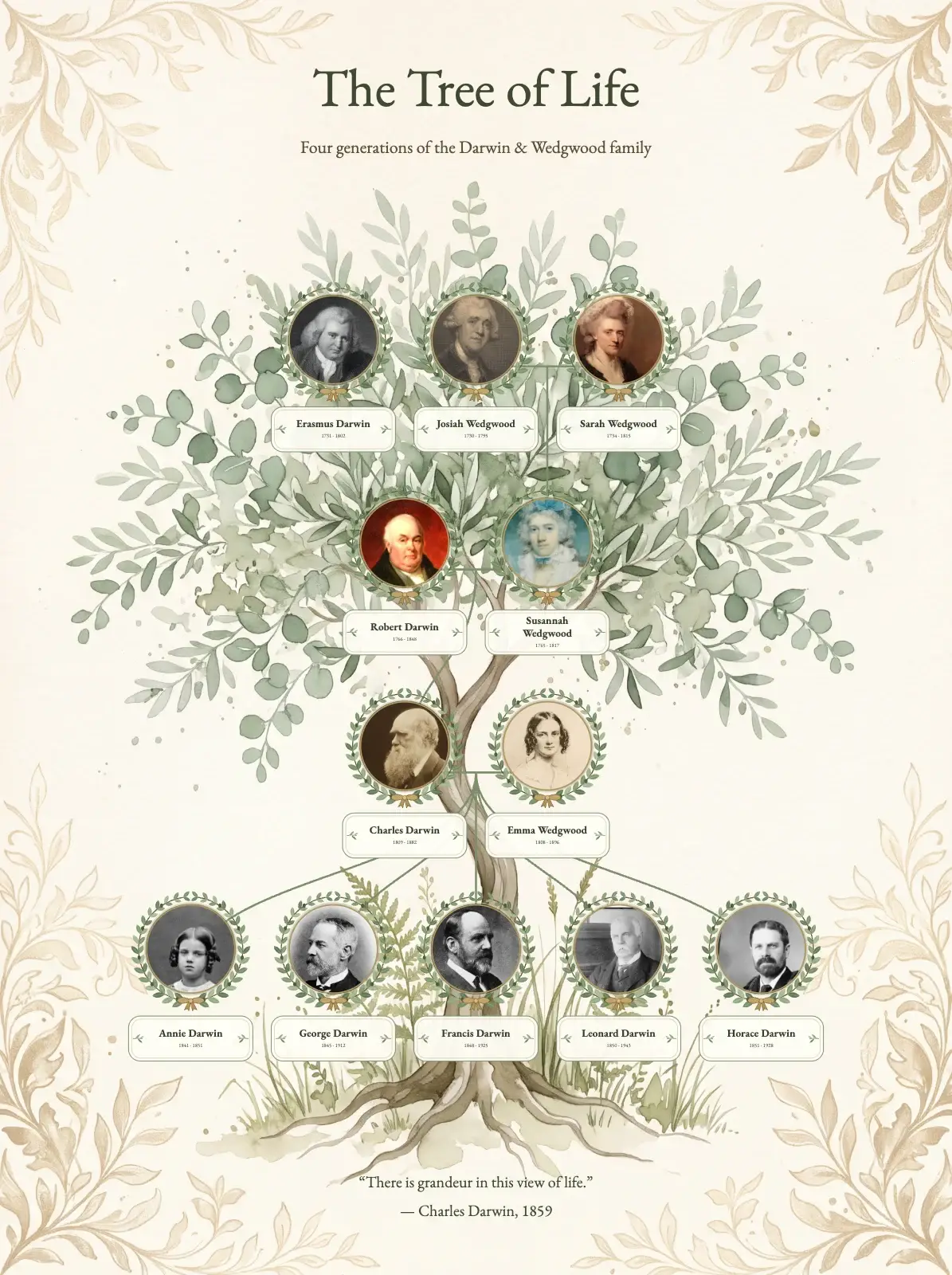
A calm sage-green family tree template with round portraits in laurel wreaths on a botanical olive watercolour. Made with the Darwin and Wedgwood family.
- Page shape
- Portrait (3:4), or any other shape
- Artwork
- Botanical olive, decorative tree
- In the editor
- Settings → Template Style → Botanical olive tree
Trying the template is free and needs no account. A print-ready file comes with a plan.
How the design is made
- Portrait 3:4 on the Botanical olive artwork
- Round portraits in laurel wreaths with botanical name labels
- Classic layout with soft curved sage lines
- EB Garamond throughout, with a Darwin quote as the caption
Your tree takes the artwork, the cards, the fonts, the colours and the lines. The people, the photos and the texts on the page stay your own.
Charles Darwin drew the first tree of life, so we made this template with his own family: four generations of the Darwins and the Wedgwoods. Each portrait sits in a laurel wreath, with a small botanical label for the name and the years, and soft curved sage lines connect the generations.
It is a quiet design that fits a living room or a study, and it keeps a family with many photos calm to look at.

Your family in this style, on any page
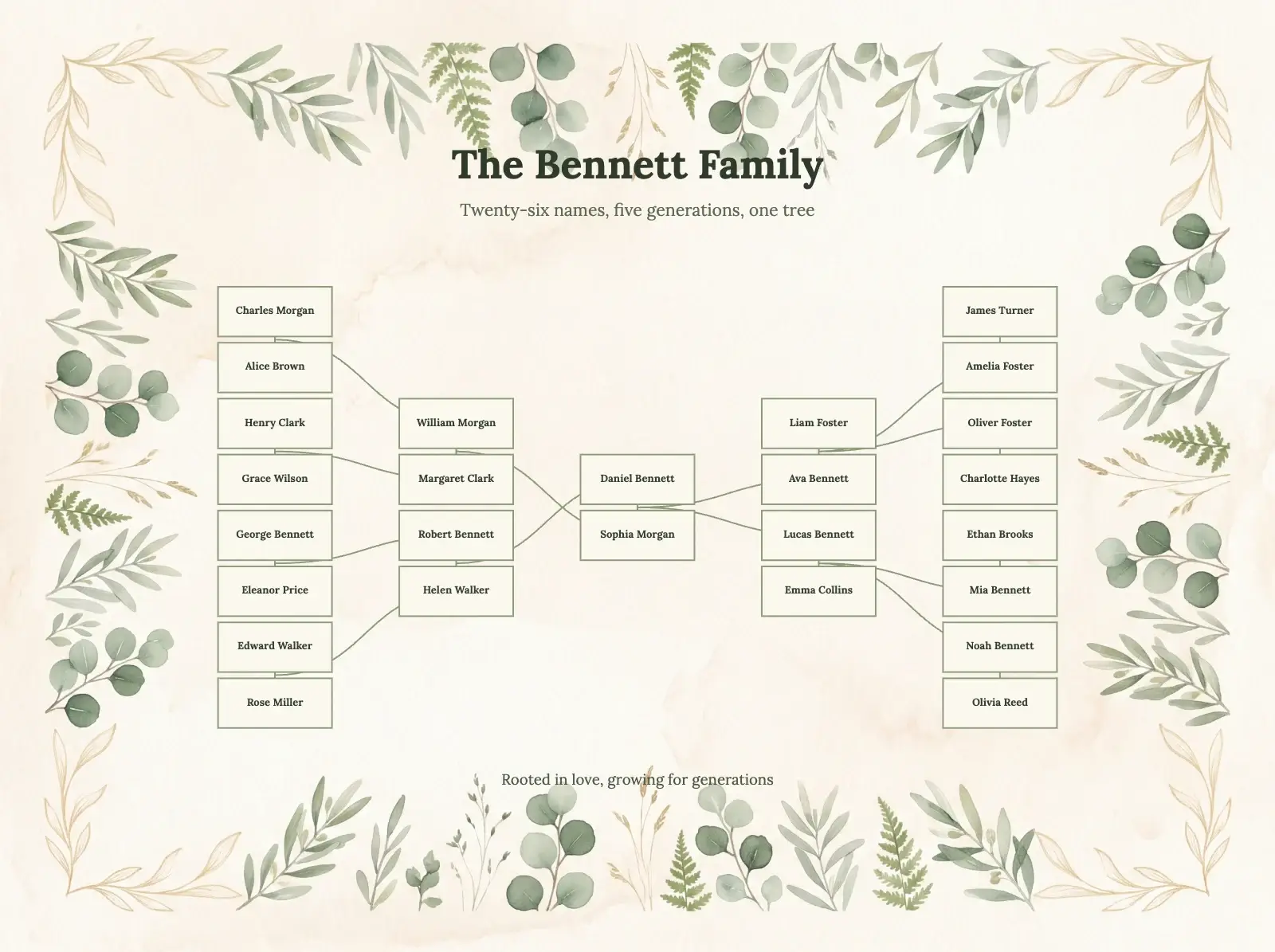
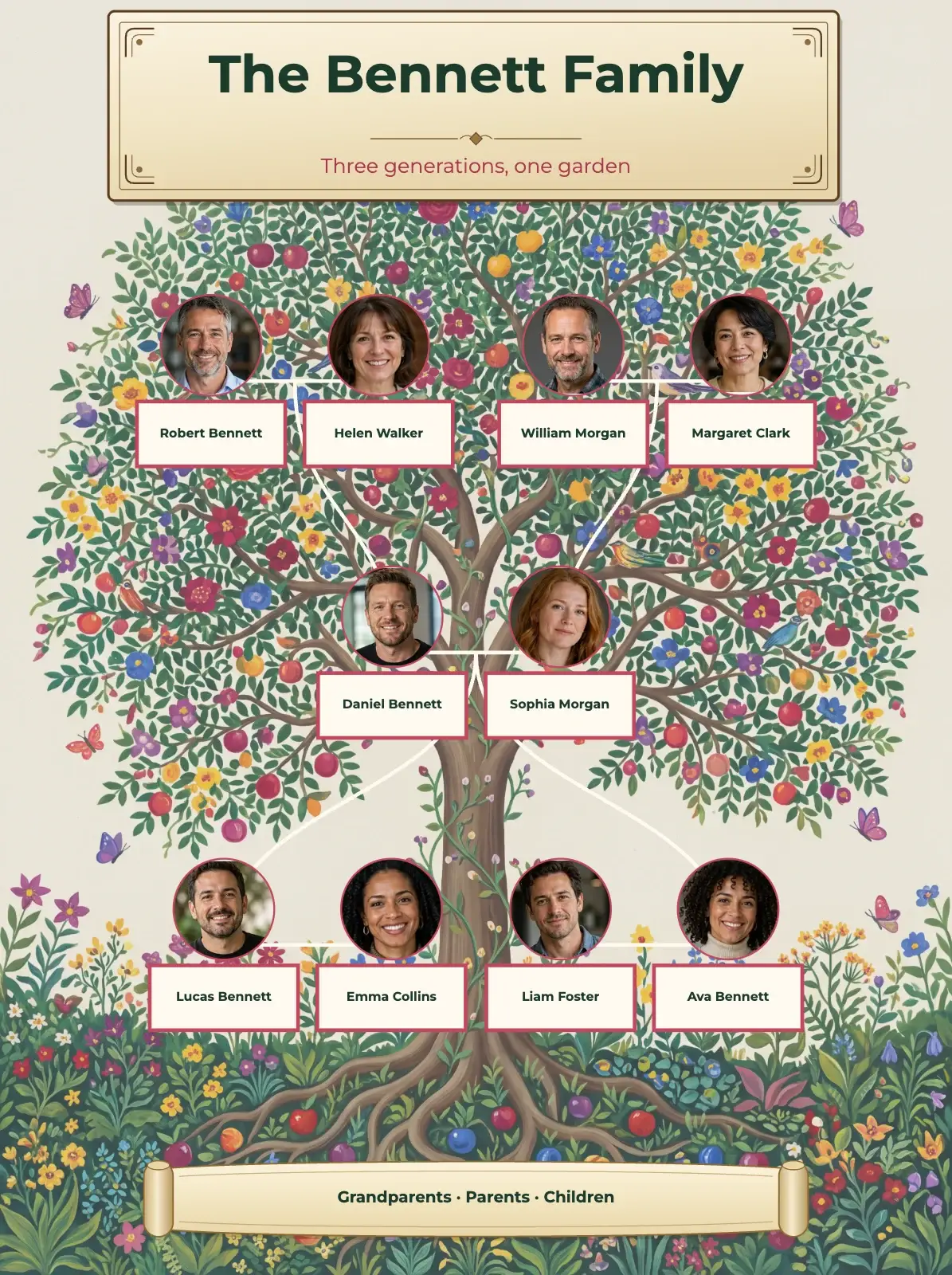
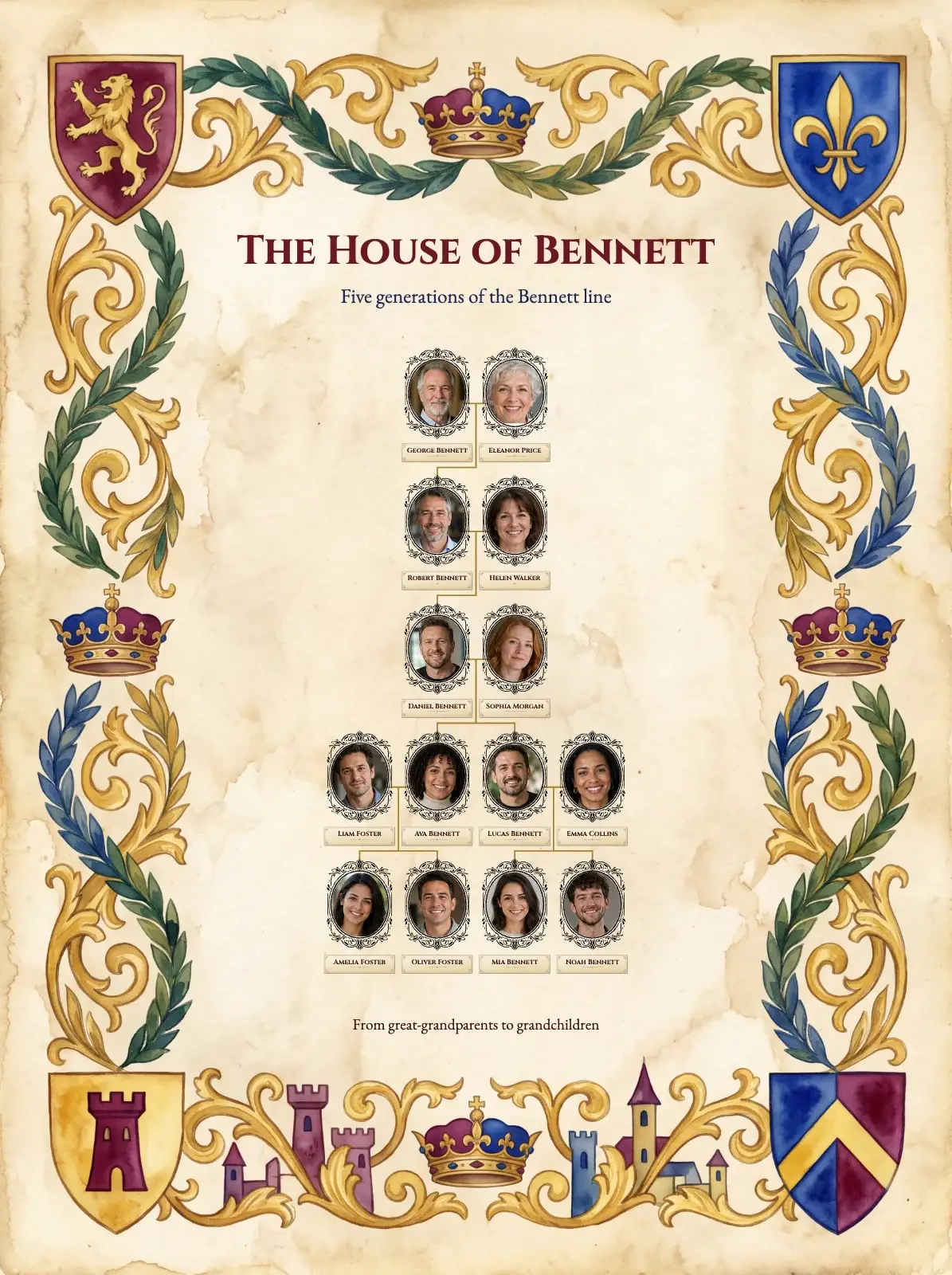
The style takes your own people, names and photos. Here it is with a sample family of ten, in each page shape.
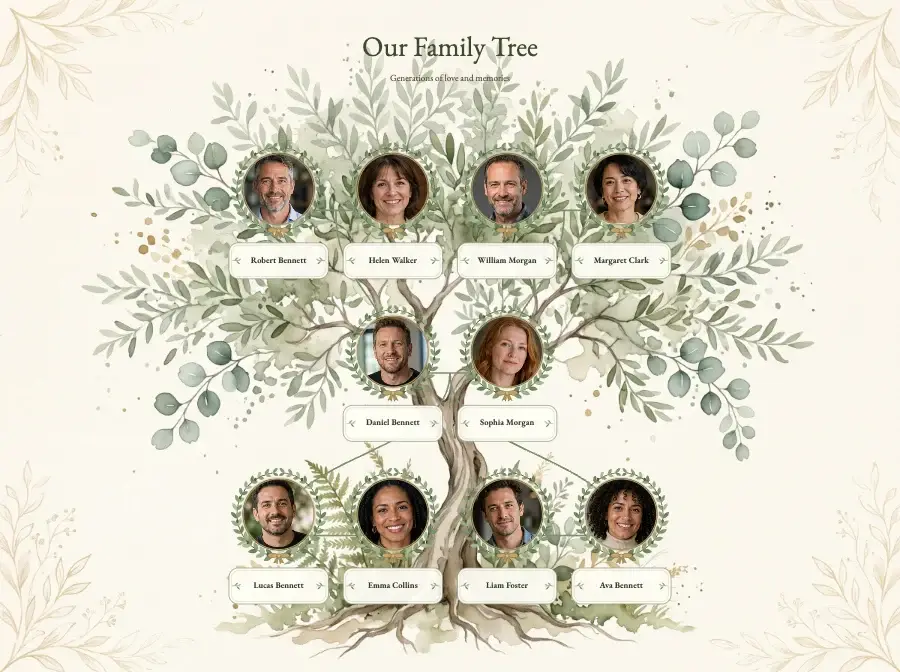
Landscape 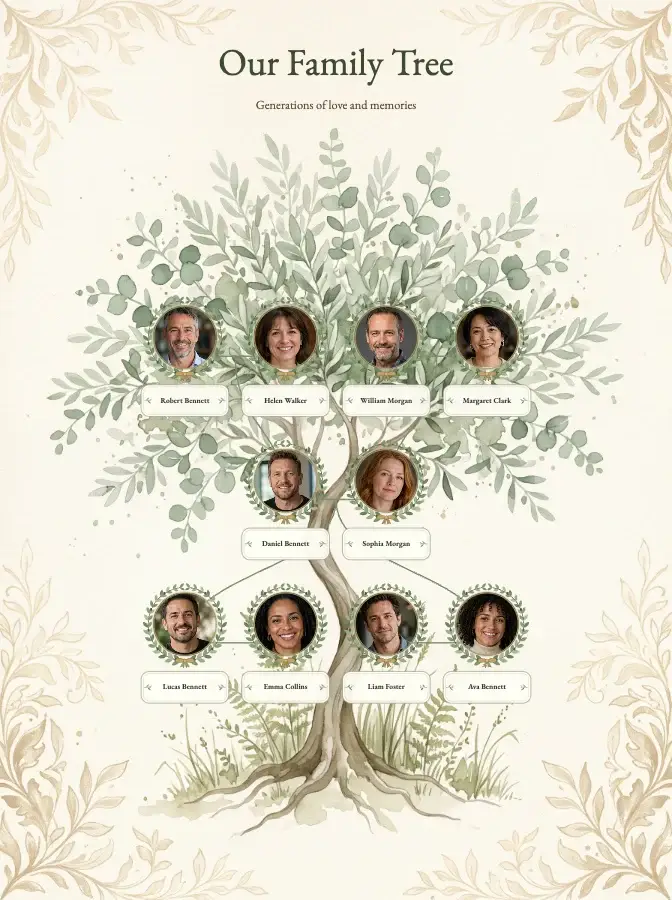
Portrait 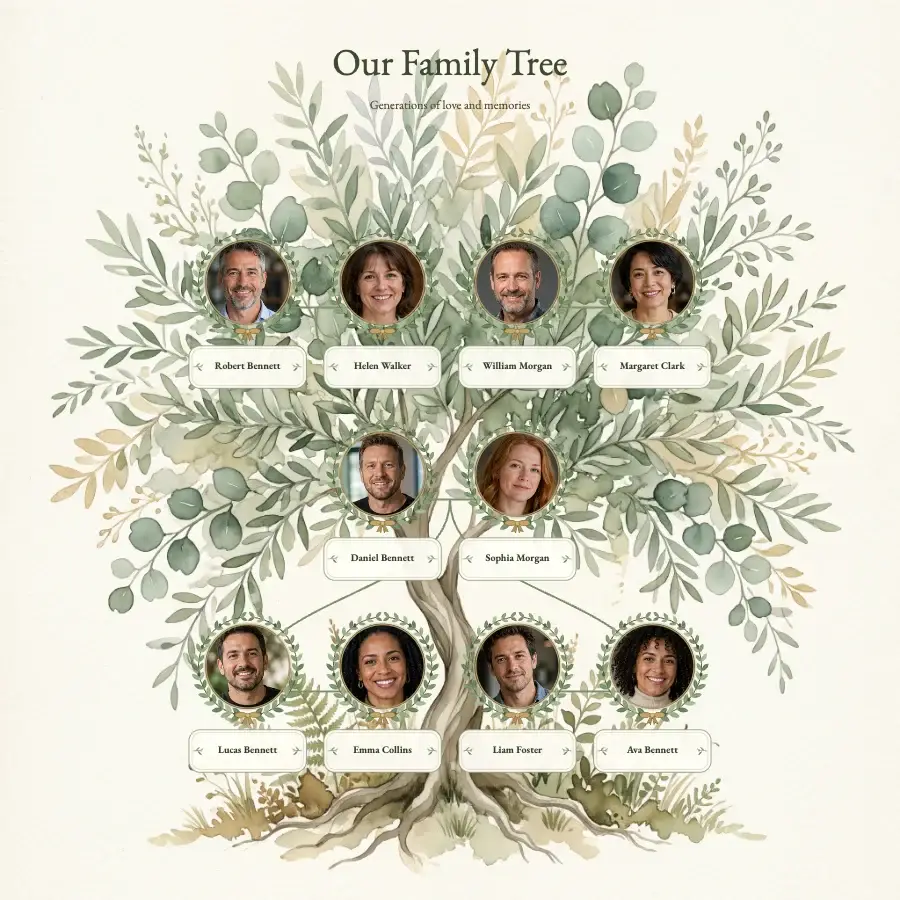
Square
How to use this template
- Open the free editor, or open your project from My projects if you have a plan.
- Put in your family: type the names on the ready-made tree, build it person by person, or import a GEDCOM file.
- Press the gear button (Settings) at the bottom of the screen and open Template Style.
- Click Botanical olive tree and press OK. The background, cards, fonts, colours and lines change; your people, names, dates, photos and page texts stay as they are.
- Change the title, add photos and check every name. To download a print-ready file, choose a plan.
Would you rather Treeshy built the tree for you? Answer the family tree form and choose Decorative tree and the Botanical olive style, and you see a free preview before you pay. Then press Edit in the studio and choose Botanical olive tree under Template Style: restyling your preview is free. How the form works.
Portrait credits (12)
The portraits are historical works, cropped and resized for this design. Each one links to its source.
- Erasmus Darwin — J. T. Wedgwood after Joseph Wright of Derby (New York Public Library) · Public domain
- Emma Darwin, aged 31 — George Richmond; frontispiece of Emma Darwin: A Century of Family Letters (1915) · Public domain
- Anne Elizabeth Darwin — Unknown photographer · Public domain
- Horace Darwin — Unidentified photographer · Public domain
- Josiah Wedgwood — John Taylor Wedgwood after Joshua Reynolds (National Gallery of Art) · CC0 1.0 public domain dedication
- Robert Waring Darwin — James Pardon · Public domain
- Charles Darwin — Julia Margaret Cameron; restoration by Adam Cuerden · Public domain
- Susannah Wedgwood — Peter Paillou the younger · Public domain
- Leonard Darwin — Bain News Service · Public domain
- Sarah Wedgwood — Joshua Reynolds · Public domain
- Francis Darwin — Unknown photographer; Popular Science Monthly (1910) · Public domain
- George Howard Darwin — Anton Mansch · Public domain